

A client portal that looks busy is not the same as a program that is working.
The Freedom Debt Relief client dashboard is clean, reassuring, and — if you don't know what to look for — quietly misleading. Here's what the numbers actually mean, which ones you should ignore, and what a stalled screen really signals.
What does the Freedom Debt Relief dashboard actually show you (and what does it hide)?
The dashboard surfaces three core data points: your total enrolled debt balance, the current balance in your dedicated savings account, and a list of your enrolled creditors with their individual status labels (typically: enrolled, in negotiation, or settled).
That's genuinely useful. You can see, at a glance, whether any creditor has moved from "enrolled" to "in negotiation," and whether a settlement offer is pending your approval.
What the dashboard does not show is harder to notice precisely because it's absent. There is no itemized fee breakdown per settlement. You won't see a projected timeline to program completion. There is no credit score tracker, no running total of fees already deducted, and no visibility into what a creditor has said (or not said) during negotiation.
This is not unique to Freedom Debt Relief. Most debt relief client portals are built to show forward motion, not the full picture. The gap between what's displayed and what's happening is where most client confusion lives. The same dynamic shows up in B2B analytics dashboards — a point explored in depth in SEO Client Reporting Is Broken — Fix It Now, which covers how misleading metric displays erode trust over time.
The practical implication: treat the dashboard as a status board, not a ledger. Cross-reference every settlement notification against your original client agreement to understand the actual fee structure before approving anything.
How do you read your settlement progress without misreading the numbers?
Settlement progress is non-linear, and the dashboard makes it look more linear than it is.
A creditor sitting in "enrolled" status for four months is not a problem by default. Creditors are not contacted immediately upon enrollment. The program builds your dedicated account balance first, accumulating enough funds to make a credible settlement offer. That phase is invisible on the dashboard — it looks like nothing is happening because, from a negotiation standpoint, nothing is yet.
The number to watch during this phase is your dedicated account balance. If it's growing consistently each month, the program is on track. If it has flatlined, that's worth a call to your program coordinator.
Once a creditor moves to "in negotiation," the timeline becomes unpredictable. Some creditors respond within weeks. Others take months. The dashboard won't tell you where in that negotiation cycle you are. It will only update when a settlement offer is reached or the negotiation closes.
One pattern to watch for: settlement offers that appear in the dashboard with a short approval window. Missing that window doesn't kill the deal, but it can reset the clock. Check your dashboard at least once a week once any creditor moves to "in negotiation."
What are the three metrics that matter most in any debt relief client portal?
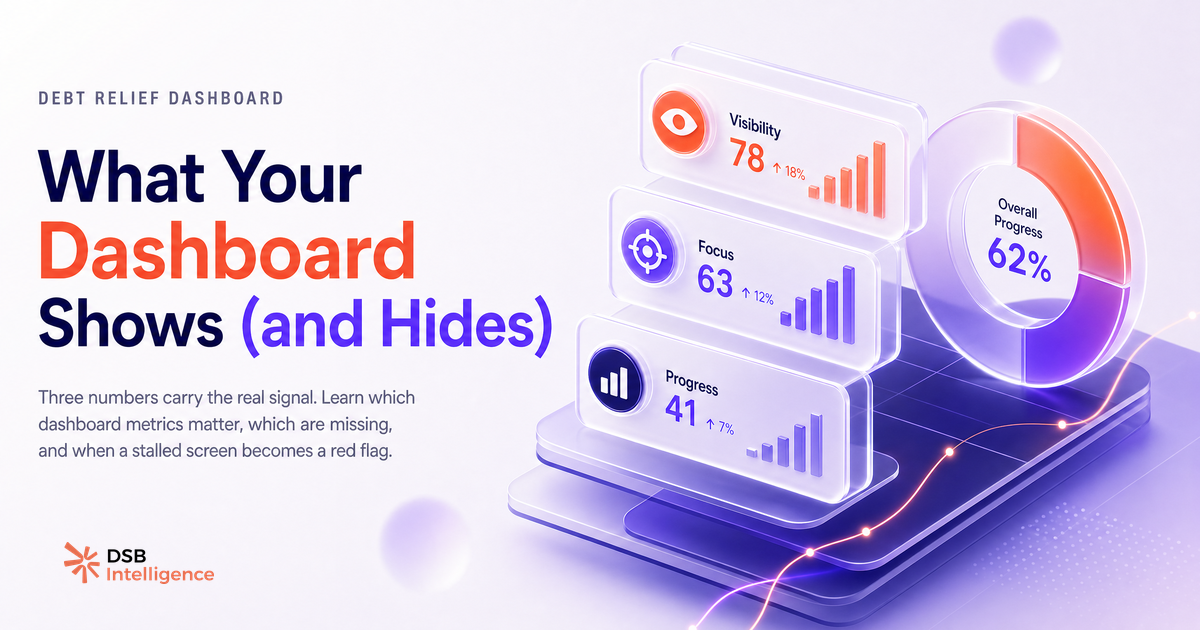
Across any debt relief program tracking tool, three numbers carry the real signal.
Total enrolled debt is your baseline. It should match what you agreed to at enrollment. If it doesn't, contact support immediately — discrepancies here indicate an administrative error that will compound over time.
Total settled amount is your progress metric. This is the cumulative original balance of all accounts that have reached a final settlement agreement. Watch the ratio of settled to enrolled: when that ratio crosses a meaningful threshold, your negotiating leverage with remaining creditors tends to improve.
Dedicated account balance is your operational metric. This is the money available to fund settlements. If this number is growing, the program is active. If it's shrinking unexpectedly, a fee has been deducted — check your agreement to confirm it matches the expected schedule.
Everything else on the dashboard — creditor names, status labels, individual account balances — is context. Useful context, but not the signal. Clients who track these three numbers consistently tend to have cleaner conversations with their program coordinators because they're asking the right questions.
This is where a tool like DSB Intelligence's Insight Narrator applies the same logic to LinkedIn analytics: it surfaces the two or three numbers that actually explain what's happening, rather than presenting every available metric as equally important.
What should you do when the Freedom Debt Relief dashboard stalls or shows no movement?
A stalled dashboard is not automatically a red flag. It becomes one only when combined with a stalled dedicated account balance.
If the dashboard shows no creditor movement but your dedicated account is still growing month over month, the program is working as designed. You're in the accumulation phase. The correct action is to wait, keep making your monthly deposits, and check back in 30 days.
If both the creditor status and the dedicated account balance are frozen, that's a different situation. Start with the obvious: confirm your monthly deposit cleared. Check your bank statement against the program's scheduled deposit date. A missed or failed deposit is the most common cause of a genuine stall, and it's fixable with a single call.
If deposits are clearing and the account balance is still not moving, escalate to your program coordinator in writing. Ask for a written status update on each enrolled creditor. "In negotiation" with no movement for an extended period is a legitimate question, not an unreasonable demand.
Document every interaction. Debt relief programs run over years, and personnel changes happen. A written record protects you if there's ever a dispute about what was communicated.
When does the Freedom Debt Relief dashboard signal a real problem versus a normal delay?
Most dashboard anxiety is misread normal delay. A few signals, however, indicate a genuine issue worth escalating.
A settlement offer that appeared and then disappeared without resolution is worth investigating. This can happen if a creditor withdrew the offer, but it can also indicate a dashboard display error. Either way, you need a written explanation.
An enrolled balance that doesn't match your original agreement is a hard discrepancy. Not a rounding difference — a meaningful gap. This suggests either an account was added or removed without your knowledge, or a fee was applied in a way that wasn't disclosed upfront.
A dedicated account balance that is shrinking without a corresponding settled account is the clearest red flag. Fees should only be deducted when a settlement is completed and you've approved it. Unexplained deductions warrant an immediate written inquiry and, if unresolved, a complaint to your state's attorney general office or the Consumer Financial Protection Bureau (CFPB).
Normal delay looks like: months of no creditor movement while your account balance grows. A real problem looks like: money moving out of your account without a settlement you approved, or numbers that don't match your signed agreement.
The distinction matters because the response is completely different. One requires patience. The other requires documentation and escalation.
Now what?
- Log in to your Freedom Debt Relief client dashboard today and write down your three core numbers: total enrolled debt, total settled amount, and dedicated account balance. Set a monthly reminder to track them.
- Pull out your original client agreement and confirm the fee percentage per settlement. Cross-reference it the next time a settlement appears for your approval.
- If your dedicated account balance has not moved in two or more consecutive months, send a written status request to your program coordinator and keep a copy.
- If you spot a discrepancy between your dashboard numbers and your signed agreement, file a written complaint with the CFPB at consumerfinance.gov — it creates an official record and typically prompts a faster response from the program.
Ready to apply the same clarity to your B2B analytics? Start your free trial with DSB Intelligence and see which numbers in your reporting stack are actually driving decisions.