

Most vendors selling you an email finder from LinkedIn lead with the same claim: "Find verified emails in one click." The click is real. The verification claim is where things get complicated.
Yes, you can find emails from LinkedIn — but the match rate gap between tools is wider than vendors admit
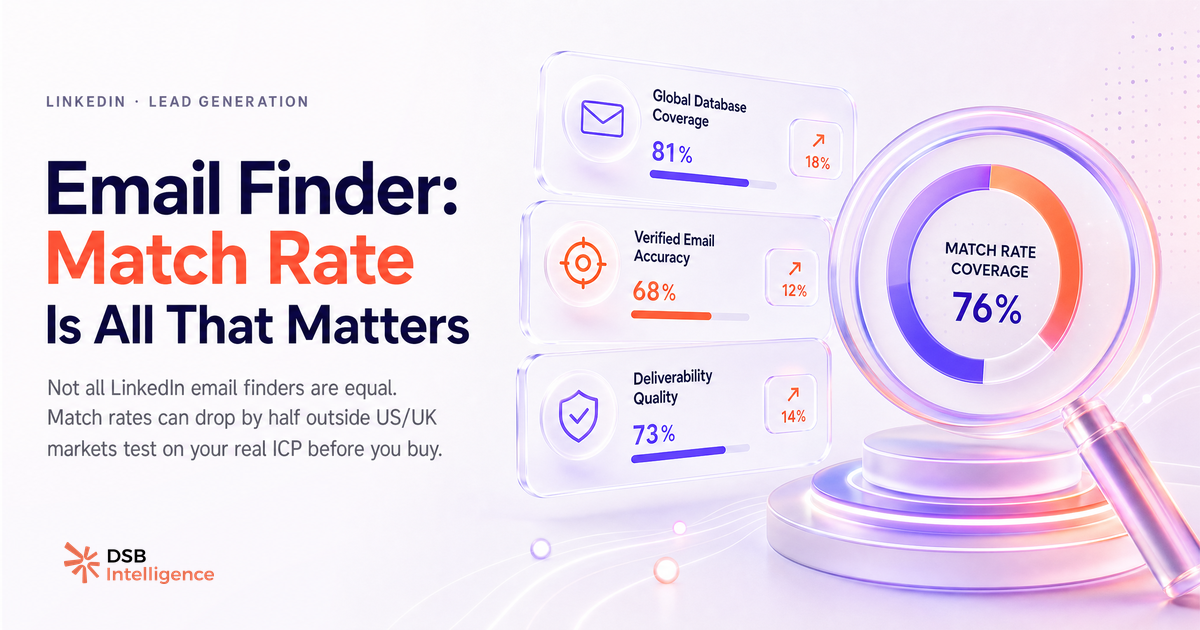
Match rate is the percentage of LinkedIn profiles for which a tool returns at least one email address. Vendors rarely publish it. When they do, the number is almost always measured on a cherry-picked dataset: large companies, English-speaking markets, senior titles with long tenures.
Run the same tool against a list of mid-market SaaS founders in the Nordics or Southern Europe, and the match rate can drop by half. That gap is not a bug. It reflects how the underlying databases were built.
Most tools aggregate emails from three sources: public web crawls, user-contributed data (people who connected their inbox or CRM), and purchased third-party datasets. The coverage is uneven by geography, industry, and seniority. A VP of Sales at a Fortune 500 in the US is in every database. A Head of Growth at a 30-person B2B startup in Warsaw is in almost none.
Understanding this before you buy saves you from a painful lesson in sender reputation damage. As a related signal worth tracking: Profile Views on LinkedIn Tell You Almost Nothing Alone — the same logic applies to email match rates. A metric that looks good in aggregate can be nearly useless for your specific ICP.
How email finders actually work (and where they break)
Every email finder from LinkedIn follows roughly the same pipeline. It reads the profile URL, extracts the name and current employer, queries its internal database for a matching email, and if nothing is found, generates a pattern-based guess (firstname@company.com, f.lastname@company.com, etc.).
The output is then assigned a confidence score. What "confidence" actually measures varies by tool. For some, it means "this pattern was validated by SMTP ping." For others, it means "this pattern is the most common one for this domain." Those are not equivalent.
SMTP verification sends a test handshake to the mail server without delivering a message. It catches deactivated addresses, role-based inboxes (info@, contact@), and catch-all domains that accept everything. Pattern matching catches none of that.
Where the pipeline breaks most often:
- Catch-all domains: the server accepts any address, so SMTP ping returns a false positive. Tools that don't flag catch-all domains inflate their verified rate.
- Job changes: someone left the company six months ago. Their old email bounces. The database hasn't caught up.
- Privacy-first profiles: some LinkedIn users deliberately omit employer details or use a holding company name. No pattern can be generated.
The break points are predictable. A tool that is transparent about them is more trustworthy than one that hides them behind a "verified" badge.
The 4 criteria that separate a usable tool from a liability: match rate, verification, data freshness, GDPR
Choosing an email finder for LinkedIn prospecting comes down to four questions. Not features. Not pricing tiers.
1. What is the real match rate on your ICP? Ask for a trial with your own list of 100 profiles. Measure the output yourself. Vendor-published benchmarks are marketing, not data.
2. What does "verified" actually mean? Dig into the documentation. If the tool does not distinguish between SMTP-verified, database-matched, and pattern-guessed results, treat all output as unverified.
3. How fresh is the data? Job tenure in B2B SaaS averages under two years in many markets. A database refreshed quarterly is meaningfully better than one refreshed annually. Ask the vendor directly. If they can't answer, that's your answer.
4. What is the GDPR basis? Under GDPR, processing personal data for prospecting requires a documented legitimate-interest basis, a privacy notice accessible to data subjects, and a functional opt-out mechanism. Tools that source data through undisclosed scraping expose your company, not just themselves. The CNIL and the UK ICO have both issued guidance on B2B prospecting data: legitimate interest is valid, but it must be documented and proportionate.
How DSB Intelligence tracks which enrichment signals hold up over time
Enrichment data degrades. An email address that was valid when you pulled it from a LinkedIn profile in January may be dead by July if the person changed roles.
Our conviction at DSB Intelligence is that the email address itself is a lagging signal. By the time you've found it, verified it, and sent a sequence, the window of relevance may have already closed. The leading signals are behavioral: who is engaging with content in your category, who recently updated their profile to reflect a new initiative, who is actively commenting in threads where your ICP congregates.
The Recommendations Engine in DSB Intelligence flags these behavioral signals before they decay, so your outreach is timed to intent rather than to database availability. That's a different workflow from "export a list and find emails." It's not a replacement for email prospecting; it's the layer that tells you which profiles are worth the enrichment cost in the first place.
For context on how LinkedIn's own engagement data feeds into prospecting decisions, LinkedIn Social Selling Index: What It Measures vs. What It Predicts is worth reading alongside this piece.
Head-to-head: Mailmeteor, Skrapp, GetProspect, Hunter — what each one is actually good for
These four tools represent the main archetypes in the LinkedIn email finder market. None is universally best.
Hunter is the most transparent tool in the category. Its domain search shows you every email pattern it has found for a given company, with source attribution and confidence scores. The Chrome extension works on LinkedIn profiles. Its strength is domain-level coverage for established companies. Its weakness is thin coverage for startups and non-English-speaking markets. Hunter also publishes its data sourcing methodology publicly, which matters for GDPR documentation.
Skrapp is built around the LinkedIn workflow. Its browser extension integrates directly with LinkedIn Sales Navigator, making it efficient for bulk extraction during prospecting sessions. Match rates are competitive for mid-market B2B in Western Europe and North America. The verification layer is solid but does not always distinguish catch-all domains clearly. Pricing scales with volume, which suits teams running high-cadence outreach.
GetProspect combines a LinkedIn extension with a searchable B2B database. The database search is useful when you want to prospect by job title or industry without starting from a LinkedIn list. Email verification is built in. The UI is accessible for non-technical users. Coverage thins out significantly outside the US and UK.
Mailmeteor is primarily a Gmail-native email sending tool with a prospecting layer bolted on. It is not a LinkedIn email finder in the same sense as the others. If your workflow is Google Sheets to Gmail campaigns, it fits. If you need serious LinkedIn extraction and verification, it is the wrong category of tool.
A quick reference:
| Tool | LinkedIn-native UX | SMTP verification | GDPR transparency | Best for | |---|---|---|---|---| | Hunter | Partial (extension) | Yes | High | Domain coverage, US/UK | | Skrapp | Yes (Sales Nav) | Yes | Medium | Mid-market, EU | | GetProspect | Yes | Yes | Medium | Database search + LinkedIn | | Mailmeteor | No | Basic | Medium | Gmail campaigns |
For a broader view of which LinkedIn tools are worth the investment at different stages, LinkedIn Sales Navigator vs Premium: B2B Verdict covers the underlying platform decision that shapes which enrichment tools make sense.
When no email finder will save you (and what to do instead)
Some profiles will never yield a usable email address. Privacy-conscious executives, founders who use personal domains, and anyone who has deliberately scrubbed their public footprint are effectively invisible to enrichment tools.
For these profiles, the email-first approach is the wrong frame entirely. Three alternatives that work:
LinkedIn InMail with a specific hook. A message that references something the person actually published or commented on has a response rate that no cold email sequence can match. The hook has to be real: generic "I saw your profile" messages perform at the same level as spam.
Content-led warm-up. Engage with their posts consistently for two to four weeks before reaching out. By the time you send a connection request, you're a familiar name, not a stranger. This is slower but produces warmer conversations. Hashtags on LinkedIn in 2026: Do They Still Matter? touches on how content visibility affects who sees your activity in the first place.
Referral routing. Check your first-degree network for a shared connection. A warm introduction from a mutual contact bypasses every privacy barrier an email finder cannot.
The email address is a means, not the goal. If the path to it is blocked, the path around it is often shorter than it looks.
Now what?
- Run a 100-profile test on your actual ICP before committing to any email finder from LinkedIn. Measure match rate and bounce rate yourself, not from the vendor's homepage.
- Document your GDPR legitimate-interest basis before you send a single email. It takes 30 minutes and protects you from a disproportionate risk.
- Layer behavioral signals (content engagement, profile updates, connection activity) on top of email enrichment. The profiles worth enriching are the ones already showing intent.
- For profiles that return no email, default to LinkedIn-native outreach with a specific, earned hook.
Start a free trial of DSB Intelligence to see which profiles in your target market are showing intent signals worth acting on before your competitors do.