

Most people treat LinkedIn's privacy settings as a one-time configuration. They flip private mode on during a job search, forget about it, and leave it running for months. That's the problem.
Yes, you can go private — here's the exact setting and what each mode actually does
LinkedIn gives you three profile viewing options, all in the same place: Settings and Privacy, then Visibility, then "Profile viewing options."
The three modes work as follows.
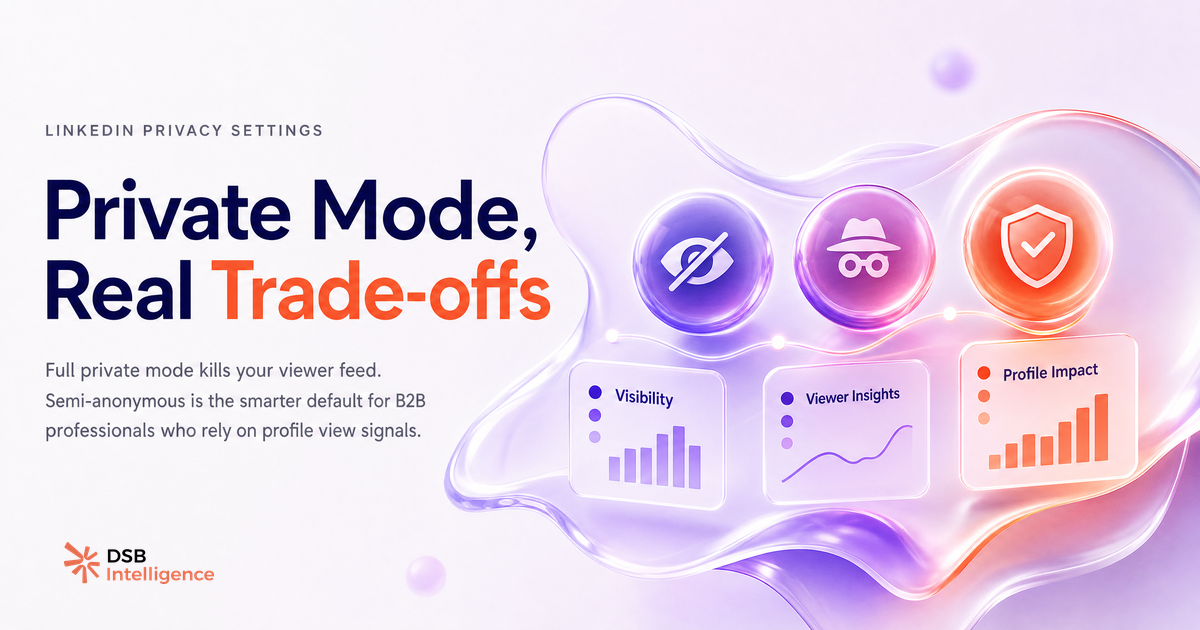
Your name and headline is the default. Anyone you visit sees a notification with your full identity. This is the mode that drives inbound curiosity — people check who visited them, and sometimes reach out.
Private profile characteristics is the middle option. The person you visit sees something like "Someone in Marketing at a SaaS company viewed your profile." Your name stays hidden, but your industry and seniority level are visible. You keep access to your own viewer list.
Private mode goes fully dark. No information is shared. The person you visit sees nothing. And LinkedIn immediately disables your "Who viewed my profile" feed in return.
That last point is the one most guides skip. It's not a bug — it's the stated design. LinkedIn's logic is symmetrical: if you won't show yourself, you don't get to see others. The trade-off is explicit once you know where to look.
For a deeper look at what LinkedIn actually surfaces in the viewer feed, Can You See Who Views Your LinkedIn Profile? covers what's visible at each plan tier.
What data do you give up when you turn off profile views, and why does it matter for B2B?
Profile view data is one of the few genuine intent signals LinkedIn makes available without a paid tool. Someone visiting your profile — especially repeatedly, or right after you posted content — is signalling something. They're researching you, your company, or your offer.
When you switch to private mode, that signal disappears in both directions. You stop leaving a trace on others' profiles, and you stop receiving traces on yours.
For B2B professionals, this matters more than it sounds. A prospect who views your profile three times in a week without connecting is a warm lead. A competitor who checks your profile after you publish a case study is competitive intelligence. A recruiter who visits after you comment on a thread is a data point about your content's reach.
None of that is available in private mode.
LinkedIn's free tier limits "Who viewed my profile" to the last five viewers. Premium tiers extend the window and add filters. But even the free version gives you a directional read on who's paying attention. Turning it off removes that read entirely.
This is also why content strategy and visibility settings are linked decisions, not separate ones. If you're investing in video content on LinkedIn or running any kind of inbound motion, your profile view data is part of the feedback loop. It tells you whether the right people are finding you.
When does going private make sense, and when does it quietly kill your prospecting signal?
Private mode has legitimate uses. Three scenarios where it's the right call:
Competitive research. If you're auditing a competitor's team structure, checking their new hires, or reviewing their content strategy, you probably don't want to leave a trail. Private mode is appropriate here.
Discreet job searching. Browsing roles or researching hiring managers while employed is a classic use case. The semi-anonymous mode often works just as well, but full private mode removes any risk.
One-off sensitive visits. Checking an ex-client's profile, reviewing someone before a negotiation, or researching a potential acquisition target — situations where the visit itself carries information you'd rather not share.
Where private mode becomes a liability: when it's left on as a permanent default. Active B2B sellers, founders doing outbound, and content creators building an audience all depend on the inbound signal that profile views generate. Leaving private mode on permanently is the equivalent of turning off your CRM's contact tracking — you're flying without data.
The semi-anonymous mode is the overlooked middle ground. You browse with a reduced footprint, your name stays hidden, but your own viewer list remains active. For most B2B professionals, that's the better default if discretion is the goal.
For context on how LinkedIn's outreach tools interact with visibility settings, How Many InMail Credits Per Month on LinkedIn? breaks down what each plan tier actually gives you.
How does reading profile view patterns help before you decide to hide them?
Before changing your visibility settings, it's worth understanding what your current profile view data is already telling you.
Profile views don't arrive randomly. They cluster around events: a post that performed well, a comment that got traction, a new connection who explored your profile after accepting. The pattern of when views spike and who is viewing tells you which content or actions are driving the right attention.
This is where DSB Intelligence's Insight Narrator becomes useful. Rather than manually cross-referencing your post performance with your viewer list, Insight Narrator reads the pattern for you — flagging when a spike in profile views correlates with a specific piece of content, and naming the likely trigger. That's the context you need before deciding to go dark.
If your viewer list is full of decision-makers from your target accounts, switching to private mode means you lose the ability to see that signal continuing (or stopping). If your viewer list is mostly recruiters and peers, the trade-off calculus looks different.
The point is: the decision to turn off profile views should be data-informed, not a default setting you forget to revisit.
Content decisions and visibility decisions are also linked in less obvious ways. Can You Post Video on LinkedIn? Yes, But Format Is Everything covers how format choices affect reach — and reach is what drives profile views in the first place.
Now what?
- Check your current mode today. Go to Settings and Privacy, Visibility, Profile viewing options. If you're in private mode and didn't consciously choose it, switch back to at least semi-anonymous.
- Review your viewer list before changing anything. Look at who's been visiting and when. Cross-reference with your recent posts or outreach activity. That's your baseline.
- Use semi-anonymous as your working default if you need discretion for research. You keep your inbound signal intact while reducing your browsing footprint.
- Reserve full private mode for specific sessions, not as a permanent setting. Turn it on for competitive research, turn it off when you're done.
Ready to see what your profile view patterns are actually telling you? Start a free trial of DSB Intelligence and let Insight Narrator surface the signals you've been missing.