

Most guides on posting video to LinkedIn stop at the upload button. That's the wrong place to stop.
The upload is not the work. The work is understanding what happens to your video in the 60 minutes after it goes live, and why that window decides whether 200 people or 20,000 people see it.
Why do most LinkedIn videos get buried within hours of posting?
LinkedIn's feed is not chronological. It is a ranked feed, and every piece of content, including video, enters a scoring phase the moment it's published.
In that early window, LinkedIn's system observes a small initial audience and measures how they respond. The signals it collects in that phase determine whether the video gets pushed to a broader audience or quietly deprioritized. Most videos fail this test not because the content is bad, but because the early signal cluster is too weak.
The most common failure pattern in B2B video is a strong visual but a slow hook. If the first 3 seconds don't stop the scroll, viewers skip. The feed registers that skip. A high skip rate in the first hour is enough to cap distribution before most of your network even sees the post.
Production quality does not compensate for a weak opening. A phone-shot video with a sharp, specific hook in the first sentence will outperform a polished studio cut that opens with a logo animation.
What signals does LinkedIn actually amplify on video?
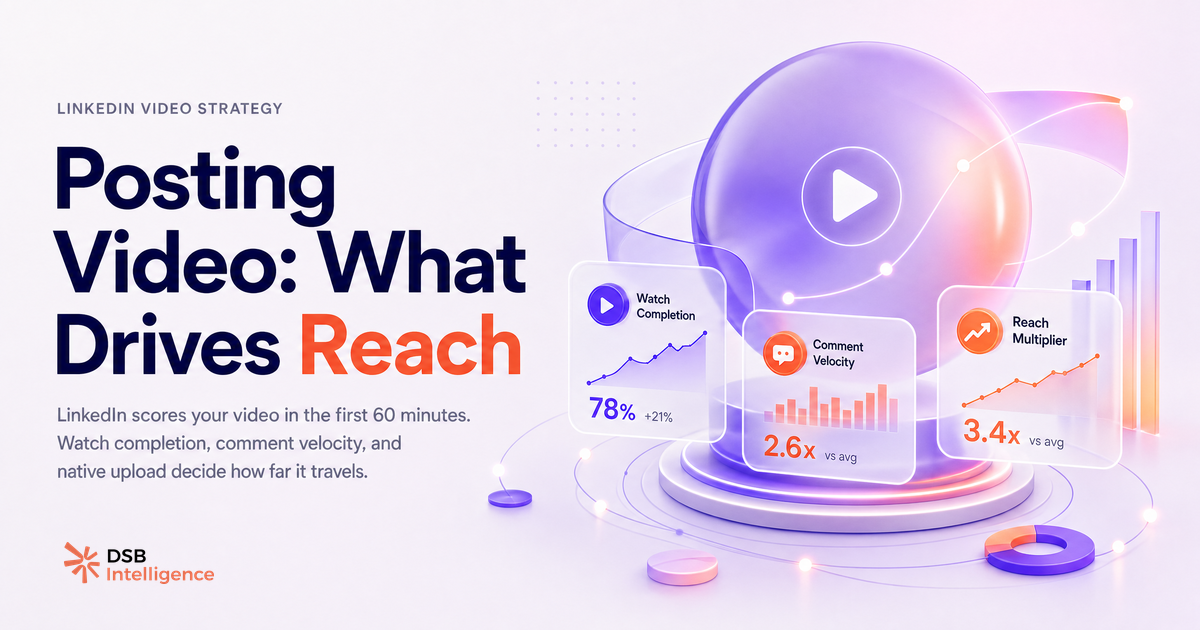
Watch completion rate is the signal that separates distributed videos from buried ones.
LinkedIn can measure how long a viewer watches your video relative to its total length. A video watched to 80% completion by a small group sends a stronger quality signal than one that collects hundreds of reactions but gets skipped after 5 seconds. Reactions are visible and feel good. Completion rate is invisible to you, but it is the metric LinkedIn's feed weights most heavily.
Comment velocity matters too, and specifically the speed at which comments arrive, not just the count. Three comments in the first 15 minutes signals active engagement. Three comments spread over 6 hours signals a slow burn that doesn't trigger broader amplification.
Profile clicks generated by the post are also a meaningful signal. When someone watches your video and then clicks through to your profile, LinkedIn interprets that as high-quality content. It indicates the viewer wanted more, which is a strong behavioral endorsement.
What doesn't move the needle as much as people assume: the number of hashtags, the day of the week (within reason), and whether you tag other accounts in the post body. These are secondary variables. The behavioral signals above are primary.
For a broader look at how distribution signals work across content types, LinkedIn Content Strategy B2B: Stop Planning in the Dark covers the reach mechanics that apply beyond video.
Why does native upload beat every other format, and what does the pattern look like?
The format decision is one of the few binary choices in LinkedIn video strategy: native upload or link to an external platform.
Native video, uploaded directly to LinkedIn, is treated as on-platform content. LinkedIn's feed is designed to keep users on LinkedIn. Content that links out to YouTube or Vimeo asks users to leave. The algorithm reflects that preference: native video consistently reaches a larger share of your followers than an equivalent external link.
The distribution pattern for a well-performing native video typically shows a steep impressions curve in the first 2-3 hours, a plateau, and then a secondary bump if the post gets reshared or commented on by a high-reach account. An external link post tends to show a flatter, slower curve with a lower ceiling.
This doesn't mean you should never share YouTube links. If the goal is driving traffic to a YouTube channel, the trade-off is deliberate. But if the goal is LinkedIn reach and engagement, native upload is not optional. It is the baseline.
The same logic applies to repurposing: if you've already published a video elsewhere, re-upload the file natively to LinkedIn rather than sharing the URL. The reach difference is not marginal. For more on how B2B teams use video assets across workflows, Download LinkedIn Video: What It Reveals About B2B Teams is worth reading alongside this.
And if you're running paid alongside organic, the dynamics shift further: LinkedIn Video Ads vs Organic Video: What Drives Pipeline breaks down where each format earns its place in a B2B funnel.
How do you read early video distribution signals before the window closes?
The impressions curve in the first 2-3 hours is your real-time diagnostic.
A healthy video shows a steep climb in the first hour. If impressions are flat or growing slowly in the first 60 minutes, the early scoring phase went against you. At that point, you have two options: engage aggressively to inject signal (reply to every comment, post a first comment yourself if you haven't), or accept the ceiling and repurpose the content for a future post with a revised hook.
The ratio of views to followers is another useful early indicator. If a video is reaching well beyond your follower count, LinkedIn is distributing it to second-degree connections, which means the early signals were strong enough to trigger broader amplification. If views are tracking close to or below your follower count, distribution stayed narrow.
This is where DSB Intelligence's Insight Narrator is useful: it reads that early distribution curve and surfaces the signal pattern in plain language, so you're not manually checking LinkedIn analytics every 20 minutes trying to interpret whether a slow start is a real problem or just a time-zone lag.
For company pages specifically, the distribution mechanics have additional layers worth understanding: LinkedIn Company Page: Fix Your Organic Reach Strategy covers the structural differences between personal and page-level video reach.
What's the 4-step pre-post checklist that changes how the algorithm scores your video in the first 60 minutes?
The scoring window starts at publish. What you do in the 10 minutes before and the 60 minutes after matters more than any optimization you apply to the video file itself.
Step 1: Write the hook before you finalize the video. The first sentence of your post caption and the first 3 seconds of your video should be aligned. Both should answer the same question: why should this specific person stop scrolling right now? If you can't answer that in one sentence, the video isn't ready to post.
Step 2: Post at a time when your core audience is active, then stay online. You need to be available to respond to early comments within minutes, not hours. Posting and disappearing is the fastest way to kill comment velocity. Block 30-60 minutes after posting for active engagement.
Step 3: Post your own first comment within 10 minutes. Use it to add a layer of context the caption didn't have room for, ask a direct question, or share a related resource. This re-triggers a feed notification for viewers who already saw the post and didn't engage. It also signals to LinkedIn that the post is generating activity.
Step 4: Monitor the impressions curve at the 30-minute and 90-minute marks. If the curve is steep, let it run. If it's flat, engage harder or consider whether a reshare from a colleague or collaborator could inject signal. Don't edit the post body: editing can reset the distribution score and interrupt the scoring cycle.
These four steps don't require a bigger budget or a better camera. They require treating the post as a live event, not a scheduled delivery.
For a broader view of how to structure your LinkedIn presence so these individual video posts compound over time, LinkedIn RSS Feed on Your Website: What Works in 2026 covers the distribution layer beyond the feed itself.
Now what?
- Before your next video post, write the hook first. One sentence that answers "why should this person stop scrolling." If you can't write it, don't post yet.
- Block 60 minutes after posting. Respond to every comment. Post your own first comment within 10 minutes.
- Check your impressions curve at 30 and 90 minutes. If it's flat, engage harder. If it's steep, leave it alone.
- Run your next three videos as native uploads only, no YouTube links, and compare the reach ceiling against your previous posts.
If you want to track those early distribution signals without manually refreshing LinkedIn analytics, start a free trial of DSB Intelligence and let the Insight Narrator read the curve for you.