

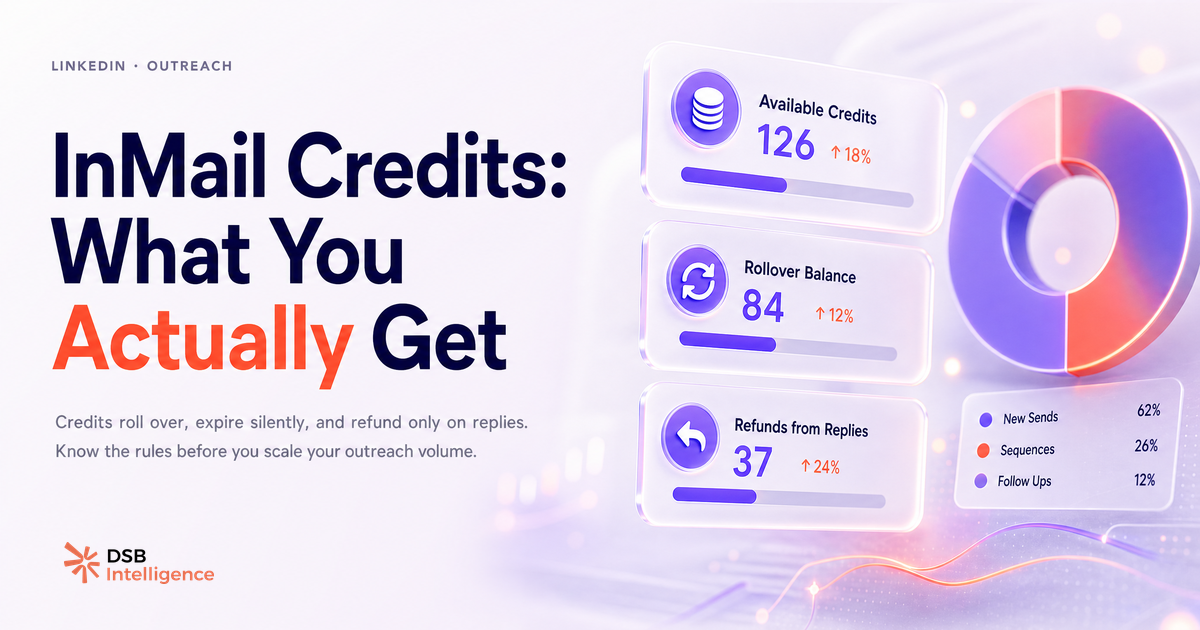
Les InMail credits LinkedIn sont présentés comme un avantage premium. Dans les pages de vente, ça sonne bien : « contactez n'importe qui sur LinkedIn ». En pratique, le quota fond plus vite qu'annoncé et le mécanisme de remboursement comporte des angles morts que la documentation officielle ne met pas en avant.
Qu'est-ce qu'un InMail credit, vraiment — et pourquoi le quota semble plus petit que prévu ?
Un InMail credit est un jeton mensuel qui autorise l'envoi d'un message privé à un membre LinkedIn sans connexion préalable. C'est la différence fondamentale avec un message standard : tu n'as pas besoin que la personne soit dans ton réseau.
Le quota varie fortement selon le plan :
- LinkedIn Premium Career : 5 crédits/mois
- LinkedIn Premium Business : 15 crédits/mois
- Sales Navigator Core : 50 crédits/mois
- Recruiter Lite : 30 crédits/mois
Le chiffre affiché en page de vente est le quota mensuel de base. Ce que la page ne précise pas immédiatement : les crédits s'accumulent jusqu'à un plafond (trois fois le quota mensuel pour la plupart des plans), mais ce plafond est atteint rapidement si tu ne prospectes pas activement. Et une fois le plafond atteint, les crédits du mois en cours sont perdus.
Pour une prospection linkedin outreach active, 50 crédits par mois représentent environ deux messages par jour ouvré. C'est peu si ta cible est dispersée sur des profils hors réseau.
Le mécanisme de remboursement : quels messages récupèrent le crédit, lesquels ne le récupèrent pas ?
La règle de remboursement est simple en théorie, trompeuse en pratique.
Un crédit est restitué dans deux cas seulement : le destinataire répond dans les 90 jours suivant l'envoi, ou tu retires le message avant qu'il soit lu. Dans tous les autres cas, le crédit est consommé définitivement.
Ce que ça signifie concrètement : un message ouvert mais ignoré ne rembourse rien. Un message envoyé à une boîte inactive non plus. La fenêtre de 90 jours est généreuse sur le papier, mais la majorité des réponses InMail arrivent dans les 48 à 72 premières heures ou pas du tout.
Il y a un cas particulier souvent mal compris : les InMail LinkedIn envoyés via des campagnes Sponsored (LinkedIn Campaign Manager) fonctionnent différemment. Ces InMail sponsorisés ne consomment pas de crédits mensuels — ils sont facturés au coût par envoi. Le budget et la logique de performance sont distincts. Confondre les deux est une erreur fréquente chez les équipes qui gèrent à la fois la prospection Sales Navigator et les campagnes paid.
Quand l'InMail est un canal pipeline pertinent — et quand c'est une fuite budgétaire ?
L'InMail a du sens dans trois situations précises.
Première situation : la cible est hors réseau de 2e degré et une demande de connexion froide serait perçue comme du spam. L'InMail donne un contexte que la note de connexion (limitée à 300 caractères) ne peut pas offrir.
Deuxième situation : le message nécessite une personnalisation longue, avec une référence à un contenu publié par le destinataire ou à un événement sectoriel récent. Ce type de message justifie le format.
Troisième situation : tu cibles des profils qui ont activé l'option « Open Profile » — ces profils peuvent recevoir des InMail sans consommer de crédit. C'est un filtre disponible dans Sales Navigator et souvent sous-utilisé.
En revanche, l'InMail devient une fuite budgétaire dans ces cas :
- Le message est générique, sans personnalisation réelle.
- La cible est déjà dans ton réseau de 1er degré (un message standard suffit).
- Le taux de réponse sur les cycles précédents est inférieur à 15 % sans que le ciblage ait été revu.
Pour les équipes qui cherchent à comparer les canaux d'acquisition, l'article LinkedIn Video Ads vs Organique : ce qui génère du pipeline pose un cadre utile pour arbitrer entre paid, organique et outreach direct.
Comment lire tes performances InMail avant de brûler les crédits du mois suivant ?
La donnée disponible dans Sales Navigator Analytics et dans Campaign Manager est suffisante pour prendre une décision éclairée. Encore faut-il savoir quoi lire.
Les trois métriques à surveiller en priorité :
Taux de réponse : c'est l'indicateur principal. En dessous de 15 %, le message ou le ciblage est à retravailler. Entre 20 % et 30 %, le canal est rentable. Au-dessus de 30 %, tu peux augmenter le volume avec confiance.
Taux d'ouverture : si le taux d'ouverture est élevé mais le taux de réponse faible, le problème est dans le corps du message, pas dans l'objet. Si le taux d'ouverture est bas, l'objet est en cause ou la cible n'est pas active sur la plateforme.
Délai de réponse : les réponses qui arrivent après 7 jours sont souvent des réponses polies sans intention réelle. Les réponses dans les 48 premières heures sont les plus qualifiées.
C'est exactement ce type de lecture que l'Insight Narrator de DSB Intelligence est conçu pour automatiser : il croise les signaux de performance InMail avec le reste de l'activité du profil pour identifier les patterns qui méritent d'être reconduits ou abandonnés, sans que tu aies à construire le tableau de bord manuellement.
Pour aller plus loin sur la lecture des données de profil, l'article Can You See Who Views Your LinkedIn Profile? détaille ce que LinkedIn expose réellement côté analytics et ce qu'il cache.
Le plafond : que faire quand 50 crédits par mois ne suffisent pas ?
Quand le quota mensuel devient le goulot d'étranglement, il y a trois leviers réels — et un faux levier à éviter.
Levier 1 : prioriser les profils Open Profile. Ces profils reçoivent des InMail sans consommer de crédit. Dans Sales Navigator, le filtre est accessible directement dans la recherche avancée. Sur une liste de 200 prospects qualifiés, une part non négligeable sera en Open Profile selon le secteur.
Levier 2 : combiner InMail et contenu organique ciblé. Un prospect qui a interagi avec ton contenu organique avant de recevoir un InMail répond à un taux significativement plus élevé qu'un contact totalement froid. La logique est simple : le message n'est plus entièrement à froid. L'article Automatisation LinkedIn : ce qui marche, ce qui restreint explore les limites de cette combinaison et ce que LinkedIn tolère ou non en matière d'automatisation.
Levier 3 : revoir le ciblage plutôt que d'augmenter le volume. Passer de 50 à 100 crédits en souscrivant un deuxième abonnement n'a de sens que si le taux de réponse actuel est déjà au-dessus de 20 %. Sinon, tu doubles un problème de ciblage, pas un succès.
Le faux levier : acheter des crédits InMail supplémentaires à l'unité. LinkedIn ne propose pas cette option pour les comptes individuels. Les crédits supplémentaires ne s'achètent pas séparément — c'est le plan qui détermine le quota.
Pour les équipes qui évaluent des outils tiers pour étendre leur capacité d'outreach, l'article Best LinkedIn Automation Tools: a Framework to Compare propose un cadre de comparaison non sponsorisé.
Et maintenant ?
- Audite ton taux de réponse InMail des 60 derniers jours dans Sales Navigator Analytics ou Campaign Manager. Si tu es en dessous de 15 %, arrête d'envoyer avant de retravailler le ciblage et le message.
- Active le filtre Open Profile dans ta prochaine recherche Sales Navigator. C'est le moyen le plus simple d'étendre ta portée sans consommer de crédits.
- Planifie tes envois en début de cycle mensuel, pas en fin. Les réponses arrivent dans les 48-72 premières heures : envoyer en fin de mois réduit la fenêtre de réponse utile avant le renouvellement.
- Croise tes données InMail avec ton activité organique pour identifier les profils déjà exposés à ton contenu. Ce sont tes meilleures cibles pour le mois suivant.
Pour aller plus loin sur la lecture de tes métriques LinkedIn et construire une stratégie d'outreach cohérente, essaie DSB Intelligence gratuitement.