

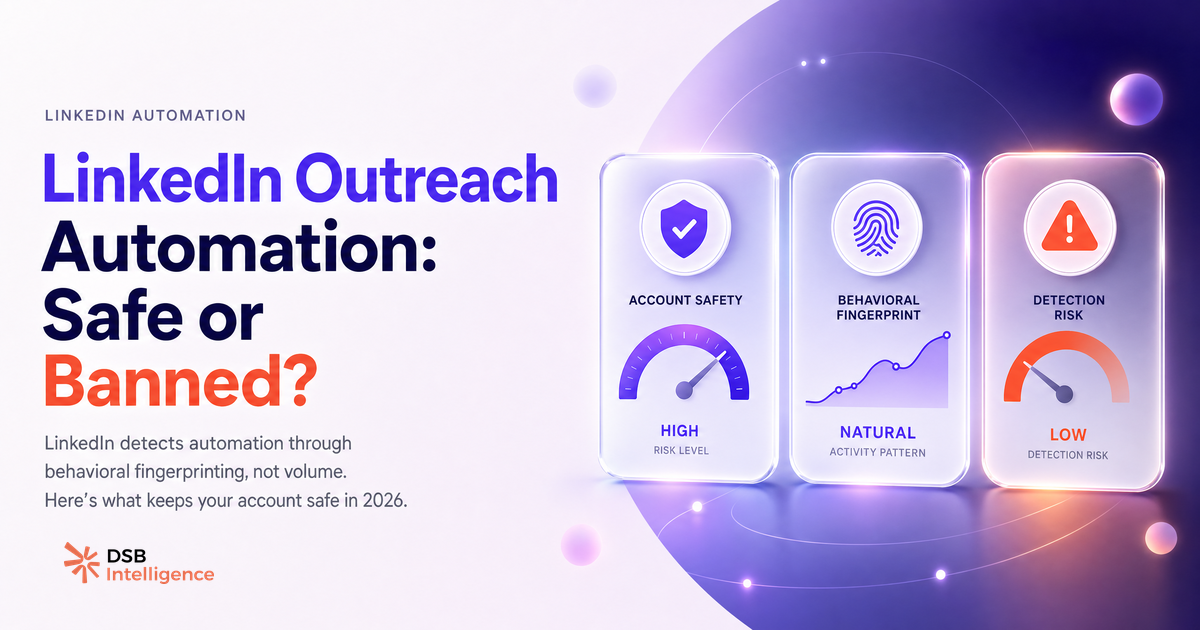
Certains comptes survivent deux ans avec le même outil d'automatisation. D'autres se font restreindre en dix jours. La différence n'est pas dans le logiciel.
Elle est dans la façon dont ton compte ressemble, ou non, à un humain aux yeux de l'infrastructure LinkedIn.
La plupart des outils d'automatisation LinkedIn finissent par restreindre les comptes : quel est le schéma ?
La restriction n'arrive pas parce que LinkedIn "détecte l'automatisation" dans un sens abstrait. Elle arrive parce qu'un compte produit des patterns d'action que les humains ne produisent pas.
Le schéma le plus courant : un outil configuré avec des délais uniformes. Envoyer une invitation toutes les 90 secondes, sans variation, pendant trois heures, c'est un signal immédiatement lisible. Aucun commercial ne travaille avec cette régularité mécanique.
Le deuxième schéma : une montée en charge trop rapide. Un compte qui envoie 5 messages par jour pendant un mois, puis 150 le lendemain après installation d'un outil, déclenche une alerte comportementale. LinkedIn observe l'historique du compte, pas juste l'action du moment.
Le troisième schéma, souvent ignoré : les extensions Chrome qui tournent en parallèle d'une session manuelle. Quand tu navigues manuellement et qu'un script automatise en arrière-plan dans le même navigateur, les deux flux d'actions se mélangent. Le résultat est un profil de session incohérent, difficile à produire humainement.
Pour comprendre comment les outils d'extension Chrome se comportent structurellement, l'article Extension Chrome LinkedIn : ce que chaque catégorie fait vraiment donne un cadre utile par type d'outil.
Quels sont les trois signaux que LinkedIn utilise pour détecter l'activité non humaine ?
LinkedIn ne publie pas la mécanique exacte de sa détection. Ce qui suit est inféré à partir des patterns de restriction observés dans le secteur, pas à partir d'une documentation interne.
Premier signal : la vélocité. Le nombre d'actions par unité de temps. Pas seulement le total journalier, mais le rythme intra-session. Un humain qui prospecte envoie des messages avec des pauses variables : il lit un profil, hésite, rédige, relit. Un outil mal configuré produit un rythme uniforme. C'est probablement la signature la plus lisible.
Deuxième signal : la cohérence IP / géolocalisation. Si ton compte est habituellement connecté depuis Paris et que l'outil tourne depuis un datacenter en Virginie, l'incohérence est flagrante. Les plateformes cloud sérieuses assignent une IP résidentielle ou mobile par compte, dans la même zone géographique que l'utilisateur réel.
Troisième signal : le ratio actions / engagement reçu. Un compte qui envoie 200 messages par semaine et reçoit zéro réponse, zéro visite de profil en retour, zéro interaction sur ses posts, ressemble à un compte fantôme. On peut raisonnablement supposer que ce déséquilibre contribue à la dégradation du score de confiance du compte.
Ces trois signaux combinés forment un score de confiance implicite. Quand ce score chute sous un seuil, la restriction arrive, d'abord sur les invitations, puis sur les messages, parfois sur la distribution organique des posts.
C'est ce lien entre outreach et reach organique qui est souvent sous-estimé. Un compte restreint ne perd pas seulement sa capacité à prospecter. Il perd aussi de la visibilité sur ses contenus. Les deux leviers sont liés au même score de confiance. Pour mesurer ce que tes métriques de distribution ne montrent pas, l'article LinkedIn Analytics Tools : ce que les dashboards ne mesurent pas couvre exactement ce point.
Comment le Recommendations Engine de DSB Intelligence détecte les patterns d'outreach risqués avant qu'ils coûtent du reach ?
La détection précoce d'un compte en danger repose sur deux indicateurs avancés que la plupart des outils d'analytics LinkedIn n'exposent pas nativement.
Le premier est la chute du Social Selling Index (SSI) sans changement éditorial. Si ton SSI baisse alors que ta cadence de publication est stable, c'est un signal que ton activité réseau est pénalisée, pas ton contenu.
Le second est le ratio vues de profil / connexions acceptées. Quand ce ratio se dégrade, cela signifie que tes demandes de connexion génèrent des visites de profil (LinkedIn notifie le destinataire) mais peu d'acceptations. Soit le ciblage est mauvais, soit le compte commence à être perçu comme suspect par les destinataires eux-mêmes.
Le Recommendations Engine de DSB Intelligence flag ce type de signal quand il détecte une chute de reach combinée à une baisse d'acceptation sur les 7 derniers jours, et propose un ajustement de cadence avant que la restriction n'intervienne. Tu ajustes la cadence avant la restriction, pas après.
Comparaison honnête des principales plateformes : Expandi, Waalaxy, Dux-Soup
Ces trois outils sont les plus cités dans les discussions B2B francophones. Voici ce que chacun fait réellement, sans marketing.
Expandi est une plateforme cloud. Elle ouvre un profil de navigateur dédié pour chaque compte LinkedIn, avec une IP résidentielle assignée. L'automatisation tourne en dehors de ton navigateur réel. C'est architecturalement plus sûr parce que les deux sessions (manuelle et automatisée) ne se mélangent pas. Expandi propose aussi des délais randomisés par défaut et des limites journalières configurables. Son point faible : son pricing est parmi les plus élevés de la catégorie, et l'interface demande du temps de configuration pour les séquences complexes.
Waalaxy (anciennement ProspectIn) a migré vers une architecture cloud hybride. L'outil tourne principalement en cloud, mais conserve une extension Chrome pour certaines fonctions de scraping de listes. C'est son point de friction : la partie extension reste exposée aux mêmes risques que les outils purement Chrome. L'avantage : une interface plus accessible et un pricing plus bas, avec un plan gratuit limité. Pour les équipes qui démarrent, c'est souvent le premier outil testé.
Dux-Soup est une extension Chrome pure. Elle tourne dans le même navigateur que ta session LinkedIn manuelle. C'est le modèle le moins cher et le plus simple à installer, mais aussi le plus exposé : les deux flux d'actions coexistent dans la même session. Pour un usage ponctuel et à faible volume, le risque est gérable. Pour un outreach intensif, c'est une architecture à risque.
Pour les questions RGPD liées à l'extraction de données de profil, l'article Email Finder for LinkedIn: What They Extract and Where They Fail détaille les limites légales à connaître avant de configurer une séquence.
Quel setup minimise le risque de restriction sur le long terme ?
Notre recommandation opérationnelle : moins de 80 demandes de connexion par semaine et moins de 50 messages par jour, avec des délais variables entre chaque action. Ces chiffres ne sont pas des seuils documentés par LinkedIn. Ils reflètent notre lecture du marché sur ce qui maintient un compte en bonne santé sur la durée.
Trois règles de configuration qui font la différence :
- Variation des délais. Configure des plages (ex : entre 45 et 180 secondes entre chaque action), pas des intervalles fixes. La régularité mécanique est plus risquée que le volume absolu.
- Montée en charge progressive. Si tu installes un nouvel outil sur un compte existant, commence à 20% de ta cible finale pendant les deux premières semaines. Augmente par paliers de 20% chaque semaine.
- Cohérence géographique. Utilise une plateforme cloud qui assigne une IP dans ta zone géographique réelle, ou configure ton outil pour qu'il tourne uniquement pendant tes heures de travail habituelles depuis ta connexion habituelle.
La distribution organique de tes posts dépend aussi de la santé globale de ton compte. L'article LinkedIn Creator Mode: ce que ça change vraiment explique comment les signaux de compte influencent la distribution éditoriale, indépendamment de l'outreach.
Et maintenant ?
- Audite ta configuration actuelle : tes délais sont-ils fixes ou variables ? Ta montée en charge a-t-elle été progressive ?
- Surveille ton SSI chaque semaine. Une chute sans changement éditorial est un signal d'alerte réseau, pas de contenu.
- Vérifie la cohérence IP de ton outil : depuis quelle géographie tourne-t-il réellement ?
- Si tu veux monitorer ces signaux automatiquement et recevoir des alertes de cadence avant qu'une restriction n'arrive, essaie DSB Intelligence gratuitement.