

Most B2B teams connect LinkedIn and HubSpot expecting a unified view of their pipeline. What they get is a narrower sync than the documentation implies, and a CRM that quietly accumulates bad data from day one.
What does the native integration actually do — and what does it skip?
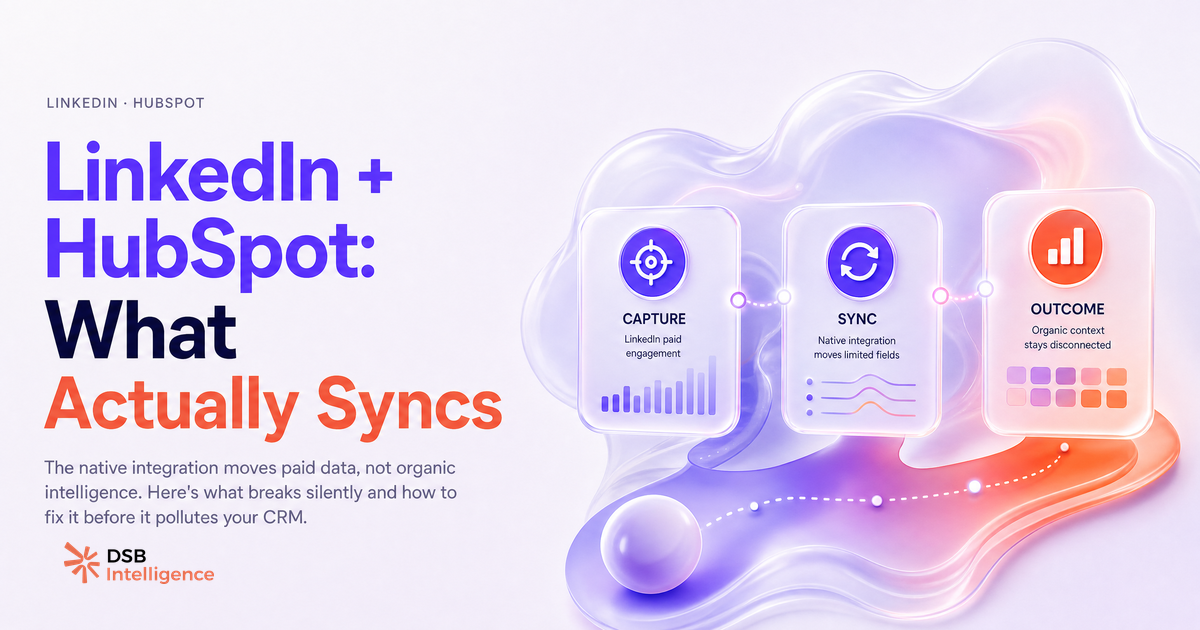
The native linkedin and hubspot integration does three things reliably: it routes Lead Gen Form submissions into HubSpot as new contacts, it lets you push HubSpot contact lists into LinkedIn as Matched Audiences for ad targeting, and it tracks ad spend and basic campaign metrics inside HubSpot's ads dashboard.
That's the full scope. Four categories of data are silently excluded.
Organic engagement never crosses over. A prospect who liked three of your posts, commented on a case study, and watched your founder's video twice — none of that reaches HubSpot. The integration is wired to paid activity only.
Profile visit history is absent. If a target account's VP of Engineering visits your company page before a demo request, HubSpot has no record of it. The visit happened; the signal is invisible.
Sales Navigator activity stays siloed. Even if your reps use Navigator daily, the notes, InMail history, and relationship scores they build there don't flow into HubSpot contact timelines without a separate, paid CRM sync add-on.
Connection-level relationship data — who in your network is connected to a prospect, at what degree — is not part of the integration at all. LinkedIn's API terms restrict this category explicitly.
Understanding this boundary matters before you build any workflow on top of the sync. The integration is a paid-channel data pipe, not a full LinkedIn intelligence layer.
Where does data quality break down: field mapping, duplicates, and consent gaps?
Data quality issues in the hubspot linkedin integration follow a predictable pattern. They start at field mapping, compound into duplicates, and surface as compliance risk.
LinkedIn Lead Gen Forms let you collect custom fields — job title, company size, use case — but those fields don't automatically map to HubSpot contact properties. The default behavior creates a contact with first name, last name, email, and company name. Every custom field you added to your form lands in a generic "LinkedIn form submission" note unless you manually configure the mapping.
Duplicates emerge when the email address from a LinkedIn form submission doesn't match the primary email already in HubSpot. A prospect who signed up for your newsletter with a personal Gmail and fills out a LinkedIn form with their work email becomes two separate contact records. HubSpot's deduplication logic works on exact email match by default. Without a deliberate deduplication rule configured before activation, the sync creates new records rather than updating existing ones.
The consent gap is the most legally consequential issue. LinkedIn collects consent at the form level under its own terms. That consent signal — the fact that a user agreed to be contacted — is not automatically written to HubSpot's legal basis property or subscription type fields. Under GDPR, processing a contact's data for marketing requires a documented lawful basis. If your HubSpot records show no consent property populated, your legal basis is undocumented, regardless of what LinkedIn collected on your behalf.
This is not a theoretical risk. EU data protection authorities have issued fines for exactly this pattern: consent collected on one platform, not carried through to the CRM where processing actually happens.
How do you audit your sync before it pollutes your CRM?
Auditing the linkedin crm integration before scaling is a one-time investment that prevents months of cleanup. The audit has four steps.
First, map every field your LinkedIn Lead Gen Forms collect against the HubSpot contact properties that should receive them. Do this in a spreadsheet before activating the sync. For each field: confirm the HubSpot property exists, confirm the data type matches (text to text, dropdown to dropdown), and confirm the property is not already used for a different purpose by another integration.
Second, run a deduplication check on your existing HubSpot database using the email domains of your target accounts. If you already have contacts from those companies, identify which identifier — work email, LinkedIn profile URL, or company domain — you'll use as the deduplication key. Configure HubSpot's deduplication settings to match on that key before the first form submission arrives.
Third, create a dedicated consent property in HubSpot — a boolean or dropdown field that records "LinkedIn Lead Gen Form consent: yes/no/date." Map the LinkedIn form's consent confirmation to this property. This gives you a documented, auditable consent trail inside your CRM.
Fourth, test with a controlled volume. Submit five to ten test entries using internal email addresses before opening the form to live traffic. Inspect each resulting HubSpot contact record: are all fields populated correctly? Did deduplication fire as expected? Is the consent property written? Fix what's broken before the sync runs at scale.
This is also where a dedicated LinkedIn analytics layer adds value. DSB Intelligence's Recommendations Engine flags mismatches between your LinkedIn content engagement patterns and the contact segments actually entering your CRM — so you can spot early if the audience clicking your Lead Gen Forms doesn't match the ICP your HubSpot workflows were built around.
For a broader view of what metrics to track once your sync is stable, LinkedIn Report Template: What to Actually Track covers the reporting layer that most teams skip.
What LinkedIn engagement signals does your CRM never capture?
The linkedin contact sync crm gap is widest in the organic layer. HubSpot receives form submissions. It does not receive the behavioral trail that precedes them.
A prospect's journey on LinkedIn before converting typically includes content consumption: reading long-form posts, watching videos, scrolling through carousels. Dwell time on a post — how long a user's feed pauses on your content — is a signal LinkedIn uses in its own ranking algorithm. It correlates with genuine interest. HubSpot never sees it.
Comment patterns are equally invisible. A prospect who comments substantively on your posts over several weeks is signaling intent more clearly than one who fills out a form after a single ad impression. That behavioral difference doesn't exist in your CRM.
This gap matters for pipeline quality. A contact who entered via a Lead Gen Form after weeks of organic engagement with your content is a different prospect from one who clicked a cold retargeting ad. Treating them identically in your HubSpot sequences is a conversion rate problem, not just a data hygiene problem.
The solution is not to force LinkedIn's organic data into HubSpot — the API doesn't allow it at the granularity you'd need. The solution is to maintain a parallel analytics layer that reads those signals and informs how you prioritize outreach. For context on how organic LinkedIn strategy intersects with paid and CRM data, LinkedIn Sales Navigator vs Premium: B2B Verdict covers the tooling decision that often precedes the integration question.
Industrial B2B teams navigating this same challenge at scale have found that separating the organic intelligence layer from the CRM sync is the only architecture that holds up. LinkedIn Rockwell Automation: What Industrial B2B Can Learn documents one such approach in a complex buying environment.
What integration setup works for B2B SaaS teams under 50 seats?
Small B2B SaaS teams don't need a complex multi-tool stack to make the linkedin and hubspot integration reliable. They need a lean setup with strict defaults.
The working configuration has five components. A single Lead Gen Form per campaign, with fields mapped explicitly before launch. A consent property in HubSpot, populated on every submission. A deduplication rule keyed to work email. A Matched Audiences sync built from a HubSpot list filtered to contacts with a known ICP fit score — not your entire database. And a weekly audit of new contacts created via LinkedIn to catch field mapping drift before it compounds.
What this setup deliberately excludes is equally important. Don't sync HubSpot lists to LinkedIn Matched Audiences without filtering for recency — stale contacts waste ad budget and degrade audience quality scores. Don't use the integration's ad spend reporting as a proxy for LinkedIn content performance: it measures paid clicks, not organic reach or engagement quality.
For teams exploring what LinkedIn content signals are worth tracking independently of the CRM, Taplio LinkedIn Video Downloader: What B2B Teams Miss and LinkedIn Video Editor Jobs: What B2B Hiring Reveals both surface the content investment patterns that show up in engagement data before they show up in pipeline.
The honest summary: the native integration is a solid paid-channel data pipe. It was never designed to be a LinkedIn intelligence layer. Build your CRM sync to do what it does well, and use a dedicated analytics layer for everything it can't reach.
Now what?
- Run the four-step audit above on your current sync before your next campaign launch. Fix field mapping and deduplication first — everything else depends on clean contact records.
- Create a consent property in HubSpot today and map it to your LinkedIn Lead Gen Form confirmation. Document your lawful basis before your next EU-targeted campaign.
- Filter your Matched Audiences lists to contacts updated in the last 90 days with a confirmed ICP fit. Remove stale records before syncing.
- Add a LinkedIn analytics layer that reads organic engagement signals your CRM can't capture. Start a free trial of DSB Intelligence to see the engagement patterns that precede your best pipeline conversations.