

Most guides on LinkedIn video aspect ratio open with a spec table. This one starts with a different question: which format do people actually stop scrolling for?
The answer is not the one LinkedIn's own marketing imagery suggests.
The SERP says 16:9 is "premium." The feed disagrees.
Search "linkedin video aspect ratio" and you'll find a wall of articles recommending 16:9 as the default. The logic is borrowed from YouTube and broadcast: landscape is professional, landscape is polished, landscape is what "video" looks like.
The LinkedIn feed in 2026 is not YouTube.
On mobile, a 16:9 video renders as a letterboxed rectangle roughly one-third the height of the screen. Above and below it, other posts are visible. The viewer's thumb has no friction to keep scrolling. Contrast that with a 1:1 square: it fills the viewport width and pushes competing content out of frame. The viewer has to make a deliberate choice to scroll past.
This is not a minor UX detail. Screen real estate is the first variable in the attention equation. A format that occupies more of the screen creates more passive dwell time before the viewer even decides whether the content is interesting.
For a deeper look at how format interacts with reach mechanics, LinkedIn Video Size: Specs, Ratios & What Drives Reach covers the full picture.
What each ratio actually does to screen real estate (and why mobile changes the math)
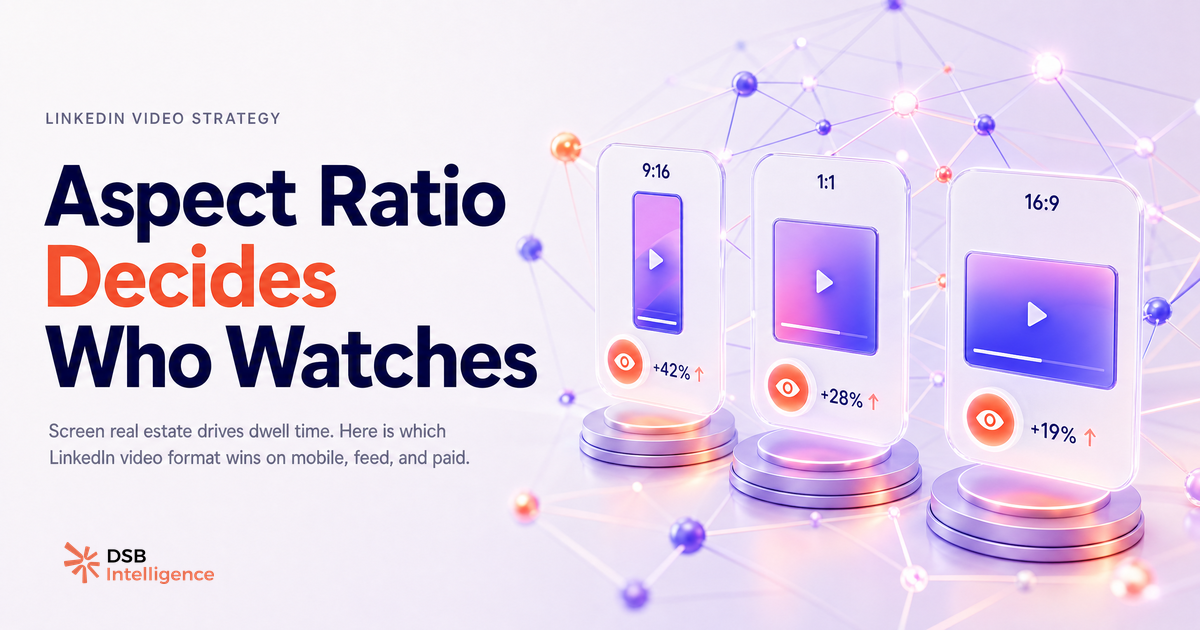
The three ratios you'll encounter in practice are 16:9, 1:1, and 9:16. Each behaves differently depending on the surface.
16:9 is native to desktop and widescreen production. On a laptop browser, it fills the content column cleanly. On a mobile screen held vertically, it shrinks to roughly 56% of the available height. The remaining 44% is occupied by surrounding feed content.
1:1 is device-agnostic. On desktop it uses the full content column width. On mobile it fills the same column width and occupies significantly more vertical space than 16:9, without the cropping risk of 9:16. It's the format that travels best across contexts.
9:16 is optimised for full-screen vertical consumption. In LinkedIn's dedicated vertical video feed, it works exactly as intended. In a standard feed post, the platform crops it to approximately 4:5 or displays it with side bars, depending on the app version and device. The result is unpredictable and sometimes worse than 1:1.
The practical implication: if you're producing one version of a video for organic feed distribution, 1:1 is the lowest-risk choice. If you're producing for LinkedIn's vertical video feed specifically, 9:16 is correct. If you're running paid formats, see the LinkedIn Video Ad Specs as a Creative Brief guide, where 16:9 remains the standard.
The format that holds attention vs the format that gets scrolled past
View count is a vanity metric for video. A view on LinkedIn is registered after a few seconds of autoplay, including silent autoplay while the user is looking at something else. It tells you the video appeared on screen. It does not tell you whether anyone watched it.
Dwell time is the metric that matters. It measures how long a viewer's attention stayed on the post, including time spent before and after the video plays. LinkedIn's algorithm is understood to weight this signal when deciding how widely to distribute a post.
The format question and the dwell time question are the same question. A 16:9 video that occupies a small strip of the mobile screen generates less passive dwell time than a 1:1 video that fills the viewport, even if the content is identical. The format itself is doing work before the first frame plays.
This is why creators who switch from 16:9 to 1:1 for feed posts often report improved distribution without changing their content. The format changed the screen physics. The screen physics changed the dwell time signal. The dwell time signal changed the reach.
If you're still deciding whether video belongs in your content mix at all, Can You Post Video on LinkedIn? Yes, But Format Is Everything addresses the foundational decision.
How the Insight Narrator reads dwell time by format so you stop guessing
Knowing that dwell time matters is not the same as knowing which format is winning for your specific audience.
The Insight Narrator in DSB Intelligence is built for exactly this: it reads your per-post dwell time patterns across formats and surfaces the signal in plain language. Instead of exporting raw numbers and building your own pivot table, you get a direct read: "your 1:1 posts are holding attention longer than your 16:9 posts over the last 30 days, and the gap is widening on mobile."
That's the difference between knowing a principle and knowing whether the principle applies to your account. Format best practices are population-level observations. Your audience may behave differently. The only way to know is to track dwell time by format, over time, for your own content.
For teams thinking about the production side of this decision, LinkedIn Video Editor Jobs: A Pipeline Decision covers how format choices upstream affect editing workflows and output volume.
Which ratio to use and when: a decision tree with no fluff
The decision is simpler than most guides make it.
Is this a paid video ad? Use 16:9. LinkedIn's ad formats are built around it, and the production quality signal matters in paid contexts. Check the current spec requirements before delivery.
Is this a native feed post targeting mobile-first organic reach? Use 1:1. It performs on both mobile and desktop, it doesn't get cropped, and it occupies more screen space than 16:9 without the display inconsistency of 9:16.
Is this content for LinkedIn's vertical video feed? Use 9:16. That surface is built for it. Don't use 9:16 for standard feed posts unless you've tested how your specific audience's app version renders it.
Is this embedded in a LinkedIn article or newsletter? Use 16:9. The article layout is desktop-first, and landscape video fits the reading context. For newsletter visual decisions more broadly, LinkedIn Newsletter Cover Image Size: Specs & Visual Mistakes is worth reading before you publish.
One final point: the linkedin video aspect ratio decision is not a one-time call. LinkedIn has shifted its surface mix significantly over the past two years, and the vertical video feed is still evolving. A format that was optimal in 2024 may not be optimal in 2026. Build the habit of checking dwell time by format quarterly, not just when you're setting up a new content series.
Now what?
- Audit your last 10 feed videos. Note the aspect ratio of each and pull the average watch time. If you haven't been tracking watch time, start now: it's available in LinkedIn's native analytics under each post.
- If the majority of your feed posts are 16:9, reformat one batch as 1:1 and run both in parallel for 30 days. Compare dwell time, not views.
- If you're posting to LinkedIn's vertical video feed, produce natively in 9:16. Don't repurpose a 16:9 cut with letterboxing.
- Use per-format dwell time as your decision signal, not impressions. If you want that read without building your own tracking layer, try DSB Intelligence free and let the Insight Narrator surface the pattern for you.