

Most B2B teams spend more time debating video length than understanding why their last three videos flatlined. The upload worked. The thumbnail looked fine. And then: nothing.
The problem isn't the video. It's everything around it.
Why do most LinkedIn videos get uploaded correctly and ignored completely?
LinkedIn video posts fail at distribution, not at production. The feed makes its first judgment before any human watches a frame.
When you publish a video, LinkedIn's feed scoring system evaluates a set of early signals: is this native video or an external link? Does it have captions? What's the aspect ratio? How quickly do the first viewers engage, and for how long do they watch? These inputs shape the initial audience the post gets shown to, which in turn determines whether it earns a second wave of distribution.
The failure mode most teams hit is optimizing for the wrong layer. They invest in production quality, scripting, and branding, then upload a 16:9 landscape video without captions, post it at an arbitrary time, and check likes two days later. That sequence skips every signal that actually matters to the feed.
The other silent killer is the external link habit. Sharing a YouTube URL instead of uploading natively is a distribution tax. LinkedIn has a clear platform incentive to keep users on-site. External video links don't autoplay, don't generate dwell time signals the same way, and are consistently shown to smaller initial audiences than native uploads. If your video lives on YouTube, it can still live on LinkedIn too, as a native upload. These are not mutually exclusive. For more on how LinkedIn content formats compare in terms of visibility, LinkedIn Articles vs Posts: What Actually Builds Authority covers the same distribution logic applied to text formats.
What format decisions affect distribution before anyone hits play?
Three format choices influence how much feed real estate your video occupies and how the platform classifies it: aspect ratio, captions, and file format.
Aspect ratio is the most underestimated. A 16:9 landscape video on a mobile screen takes up roughly the same vertical space as a text post. A 1:1 square video takes up noticeably more. A 9:16 vertical video dominates the mobile viewport. More vertical space means more time in view as a user scrolls, which increases the probability of a tap or a pause. For B2B talking-head content, 1:1 is the most reliable format: it works on both desktop and mobile without the awkward cropping that vertical sometimes produces on desktop feeds.
Captions are not optional for B2B audiences. A significant portion of LinkedIn browsing happens in silent contexts: open-plan offices, commutes, back-to-back meetings where the phone is on mute. A video that opens with someone speaking, no text on screen, loses a large share of potential viewers in the first three seconds. LinkedIn supports SRT file uploads for precise captioning and offers auto-generated captions, but auto-captions require a manual review pass before publishing. Errors in captions on a professional platform carry a credibility cost.
File format and length matter at the margins. MP4 is the standard and the safest choice. LinkedIn supports videos up to 10 minutes, but for organic B2B content, the industry's recurring observation is that shorter videos (under 90 seconds for awareness content, under 3 minutes for educational content) tend to generate higher completion rates. Completion rate is a stronger signal than raw view count.
For teams running paid video alongside organic, LinkedIn Video Ads Examples That Actually Build Pipeline goes deeper on format decisions specific to the paid feed.
What do the first 48 hours of a LinkedIn video post actually look like?
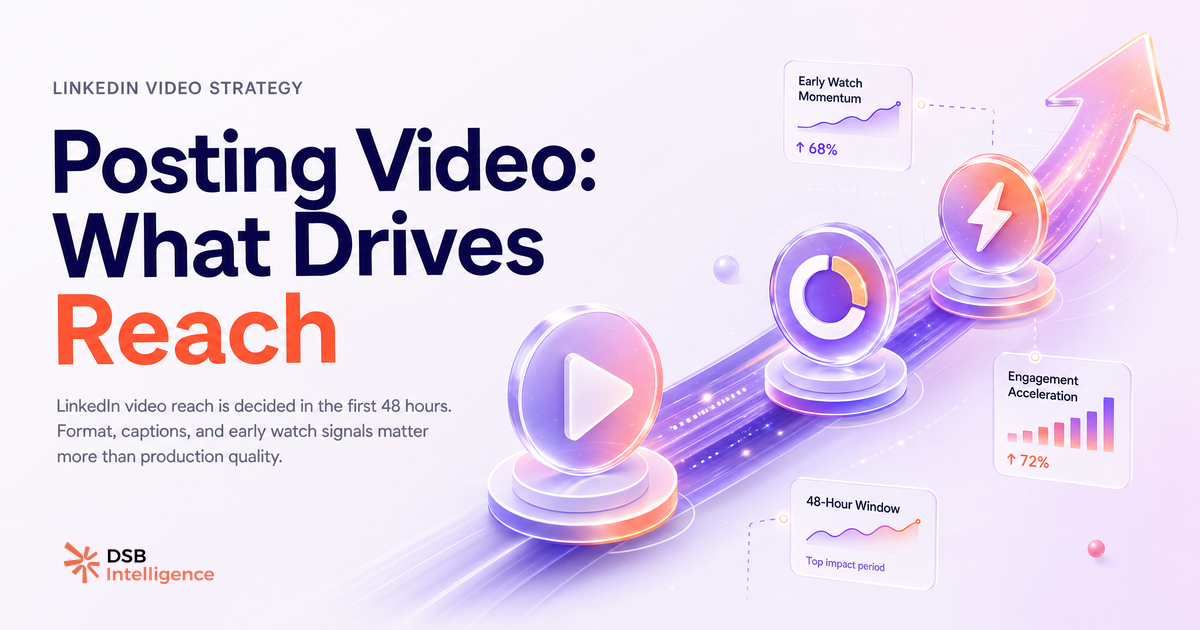
The 48-hour window is where distribution is won or lost. Understanding its shape helps you make better decisions about when to post and how to seed early engagement.
In the first one to three hours, LinkedIn shows your video to a small seed audience: your most engaged followers, people who have interacted with your recent posts, and a sample of your second-degree network. The feed scores this initial exposure based on watch time, completion rate, and engagement velocity (how quickly reactions and comments arrive relative to impressions).
If the seed audience responds well, the post enters a second distribution phase, typically between hours 6 and 24, where reach extends to a broader slice of your network and potentially to relevant topic feeds. If the seed audience scrolls past without engaging, the post is effectively capped. It stays visible on your profile, but the feed stops actively surfacing it.
This is why posting time matters more for video than for text. A video posted at a low-traffic hour gets a seed audience that's too small to generate meaningful early signals. The post never gets the data it needs to earn broader reach. The practical implication: post when your specific audience is active, not when a generic "best time to post" guide says to. Your audience's activity pattern is a function of their timezone, seniority, and industry, not a universal constant.
A video that underperforms in the first 48 hours rarely recovers organically. Boosting it after the fact with paid promotion is an option, but it's a more expensive path than getting the organic window right the first time.
How does DSB Intelligence's Insight Narrator read video performance signals differently than native analytics?
LinkedIn's native analytics show you what happened to a single post. They don't show you why, or what the pattern looks like across your last 20 video posts.
This is the gap that matters for B2B teams publishing video consistently. Native analytics give you impressions, views, and a rough engagement count. What they don't surface is: which aspect ratio consistently outperforms your baseline? Which hook frames (the first 3 seconds) correlate with higher completion rates? Which posting windows produce the strongest second-wave distribution for your specific audience?
DSB Intelligence's Insight Narrator is built for exactly this layer. Rather than treating each video post as a standalone event, it reads performance signals across your content history and identifies the patterns that repeat. If your 1:1 videos consistently outperform your 16:9 videos by a meaningful margin, Insight Narrator flags that as a structural finding, not a one-off. If your Tuesday morning posts generate stronger early engagement than your Thursday afternoon ones, that pattern becomes a recommendation, not a hunch.
The output is a reading of your data that you can act on, not a dashboard you have to interpret yourself.
What does a repeatable pre-publish checklist for B2B video that earns reach look like?
A checklist doesn't replace judgment. It removes the variables you can control so your judgment focuses on the ones you can't.
Before posting video to LinkedIn, run through these steps:
- Upload natively. No YouTube links, no Vimeo embeds. If the video lives elsewhere, download it and re-upload. For guidance on what to do with existing video assets, Download LinkedIn Video: What to Do With It covers the repurposing workflow.
- Check aspect ratio. 1:1 for most B2B content. 9:16 if you're producing mobile-first content intentionally. 16:9 only if the content genuinely requires it (screen recordings, demos with wide layouts).
- Add captions. Upload an SRT file or use LinkedIn's auto-captions with a manual review. Check the first 30 seconds of captions at minimum.
- Audit the hook frame. The first 3 seconds of your video are the thumbnail in motion. If the opening frame is a black screen, a logo, or a static title card, you're losing viewers before the algorithm has data to work with. Start with a face, a question on screen, or a visual that creates immediate curiosity.
- Write the caption text as a standalone asset. The text above your video is not a description. It's the reason someone stops scrolling. Lead with the tension or the insight, not with "I made a video about X."
- Post at your audience's active window. Not a generic best-time guide. Your analytics, your audience's timezone, your historical engagement data.
- Engage with the first comments within the first hour. Early comment velocity is a feed signal. Responding to comments also generates notification-driven return visits, which extend watch time.
For teams also using automation tools to manage LinkedIn activity at scale, Best LinkedIn Automation Tools: Safety, Use Case, Risk is worth reading alongside this checklist to understand where automation helps and where it creates platform risk.
Now what?
Four actions you can take today:
- Audit your last five LinkedIn video posts in native analytics. Note the watch time and completion rate for each. If you don't have that data, you're optimizing blind.
- Re-export your next video in 1:1 format if it's currently 16:9. Upload natively. Add a reviewed SRT caption file.
- Write your caption text before you finalize the video. If you can't write a compelling caption, the video's hook probably isn't strong enough yet.
- Track your next post's engagement in the first 6 hours. If it's flat, note the posting time and the hook frame. Those are your two most likely culprits.
If you want to stop reading your video performance post by post and start seeing the patterns that repeat across your content, try DSB Intelligence free and let Insight Narrator do the pattern work for you.