

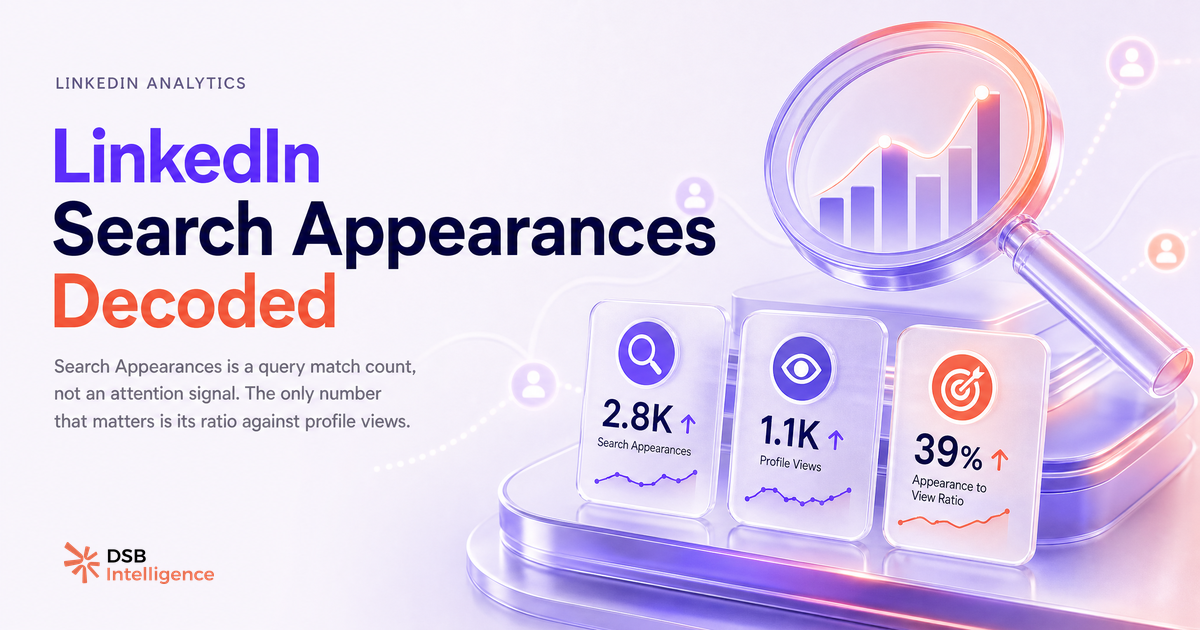
A high Search Appearances count feels like proof that LinkedIn is working for you. It isn't — not on its own.
The number is one of the most misread metrics in LinkedIn profile analytics. Understanding what it actually measures changes how you use it.
What does "Search Appearances" count — and what does it miss?
Search Appearances tells you how many times your profile was returned in a LinkedIn search result during the previous seven days. That's it.
It does not tell you whether anyone paused on your name. It does not tell you whether they read your headline or clicked through. A recruiter running a batch search for "product manager fintech" might surface 200 profiles in one session — yours included — and never look at a single one of them.
The metric is a query match count, not an attention count. The distinction matters because optimising for one does not automatically improve the other.
LinkedIn also resets the counter weekly, which means a single-week spike — caused by a trending keyword or a surge in recruiter activity in your sector — can look like momentum when it's actually noise. One data point is not a trend.
What are the three variables that actually move that number?
Three profile elements drive the vast majority of Search Appearances movement: your current job title, your listed skills, and your recent activity signal.
Your job title is the heaviest variable. LinkedIn's search index weights the title field heavily because it's the most structured, consistent signal across profiles. If your title says "Growth" but the people searching for you type "Demand Generation Manager," the mismatch suppresses your count regardless of how strong the rest of your profile is.
Your skills section acts as a secondary keyword layer. Skills you've listed — especially those endorsed by connections — reinforce the topical relevance of your profile for specific query types. Removing a skill that's central to your target audience's search vocabulary will drop your count within a week.
Recent activity is the variable most people overlook. LinkedIn's ranking logic likely factors in profile freshness and engagement signals. Profiles that have posted recently, received comments, or had connection activity tend to surface more consistently than dormant ones. This is an inference from observed behaviour across the platform, not a documented algorithm spec — but the pattern is consistent enough to act on.
How does reading Search Appearances in context change what you do with it?
The raw count alone misleads. The signal becomes useful only when you read it alongside profile views and downstream actions.
This is exactly the kind of pattern the DSB Intelligence Insight Narrator is built for: it doesn't surface the Search Appearances number in isolation — it frames it against your profile view trend and flags when the two metrics diverge. That divergence is where the real diagnostic lives.
A profile that appears in 300 searches and receives 30 profile views is performing at a 10% click-through rate on its search listing. A profile that appears in 300 searches and receives 3 profile views has a keyword match problem, a headline problem, or both. The absolute count of 300 tells you nothing useful. The ratio tells you everything.
For teams tracking multiple personal brands or a company page alongside individual profiles, this context layer is the difference between acting on data and reacting to noise. You can read more about what LinkedIn actually exports and what stays locked inside the platform in Export LinkedIn Data: What You Get and What's Missing.
What does a rising count with zero profile visits tell you about your keyword fit?
This is the most actionable diagnostic the metric offers, and most people miss it entirely.
If your Search Appearances count climbs week over week but your profile views stay flat — or drop — you have a keyword-to-headline conversion problem. Your profile is matching queries. The people running those queries are choosing not to click.
That gap points to one of two root causes. Either your headline doesn't match the intent behind the queries finding you (you're showing up for "sales consultant" searches but your headline reads "helping companies grow"), or you're matching the wrong queries entirely — high volume, low relevance audiences who have no reason to visit your profile.
LinkedIn Premium accounts get a partial breakdown of searcher company and job function, which helps narrow this down. On a free account, you're working with the count alone, which makes the profile-view ratio your only diagnostic lever.
The fix is almost always a headline rewrite, not a keyword-stuffing exercise. One precise, role-specific headline outperforms a list of buzzwords every time. For context on how LinkedIn data flows into broader analytics stacks, LinkedIn Integration with CRM: What Syncs, What Breaks covers what gets passed downstream and what stays siloed.
When is Search Appearances the wrong metric to watch?
Once your goal shifts from discoverability to pipeline, Search Appearances stops being the right number to track.
If you're in an active sales cycle, the question isn't "how many times did my profile appear in search?" It's "how many of the people who viewed my profile sent a connection request, replied to a message, or booked a call?" Search Appearances is a top-of-funnel signal. Optimising it when you need mid-funnel conversion is like measuring ad impressions when you need to close deals.
The same logic applies to content strategy. Search Appearances reflects profile indexing, not content reach. If your posts are your primary growth lever, the metrics that matter are dwell time, shares, and the follower-to-connection conversion rate — not whether your profile matched a query. Video Format for LinkedIn in 2026: What Actually Matters breaks down which content signals actually drive distribution.
There's also a timing mismatch to account for. Search Appearances is a lagging indicator of profile optimisation decisions you made days or weeks ago. If you updated your title on Monday, you won't see the full effect until the following week's reset. Acting on a single week's number — especially after a profile change — is premature.
For event-driven pipeline strategies, the relevant signals are even further removed from search indexing. LinkedIn Events as a Pipeline Trigger: What Works covers which activity types actually convert to conversations.
Finally, if you're running a team and trying to benchmark individual profiles against each other, Search Appearances counts are not directly comparable across people with different network sizes, geographies, or seniority levels. A senior VP in a large network will generate more search appearances than a junior associate by default — the comparison is structurally unfair. Use profile-view-to-action ratios instead.
Now what?
- Pull your last four weeks of Search Appearances counts and plot them against profile views for the same period. The ratio matters more than either number alone.
- If appearances are rising but views are flat, rewrite your headline to match the job title language your target audience actually searches for — not the title your company gave you.
- If appearances and views are both flat, check your skills section: remove outdated skills and add the two or three terms most central to your current positioning.
- If your goal is pipeline, stop tracking Search Appearances weekly and switch to profile-view-to-conversation rate as your primary signal.
Ready to stop reading metrics in isolation? Start your free trial of DSB Intelligence and let the Insight Narrator show you where your profile data actually diverges from your growth goals.