

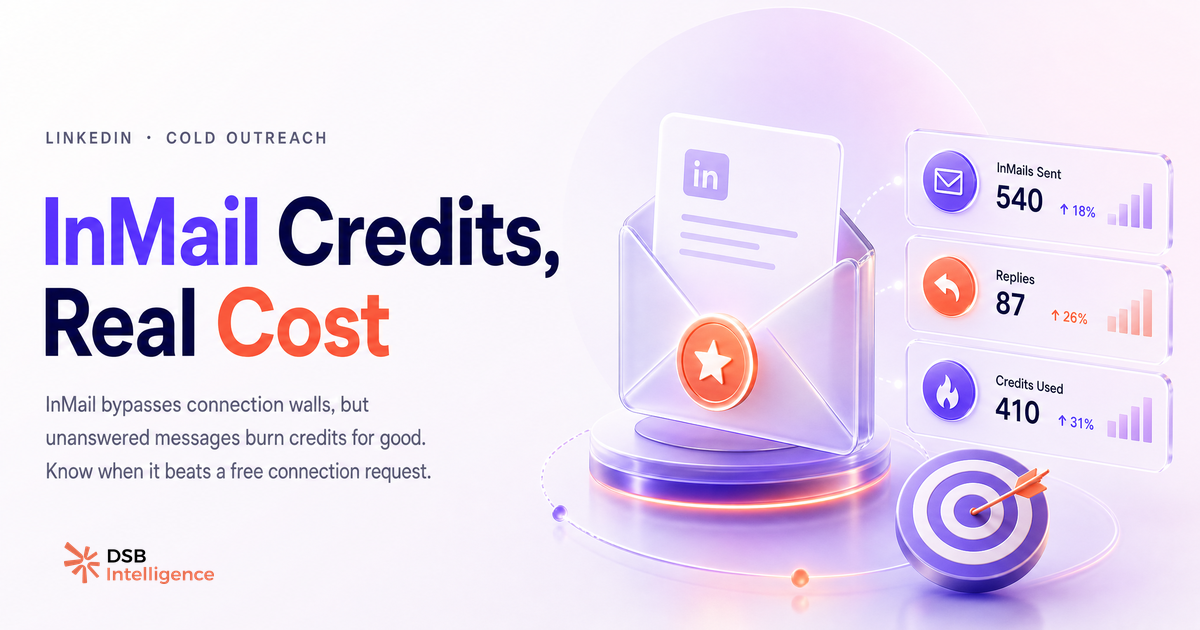
L'InMail est souvent présenté comme un passe-droit pour contacter n'importe qui sur LinkedIn. C'est vrai. Mais ce passe-droit a un prix, une mécanique propre, et des cas d'usage précis où il devient contre-productif.
L'InMail n'est pas un message : quelle est la différence structurelle qui change ton calcul outreach ?
Un InMail et un message LinkedIn classique n'arrivent pas au même endroit. C'est la différence qui compte.
Un message standard atterrit dans la messagerie principale de ton contact, avec une notification. Un InMail atterrit dans un onglet séparé, sans notification push systématique. Le destinataire doit activement ouvrir cet onglet pour le voir.
Conséquence directe : le délai de lecture est plus long, et le taux d'ouverture est structurellement plus faible. Ce n'est pas une question de qualité de message, c'est de la mécanique de produit.
L'autre différence : l'InMail ne nécessite aucune connexion préalable. Tu peux contacter un PDG que tu ne connais pas, sans passer par une demande de connexion. C'est son seul avantage structurel sur le message classique.
Pour aller plus loin sur ce point, consulte LinkedIn Message vs InMail : le vrai critère de choix.
Combien coûte réellement un InMail en crédits, remboursements et plafond ?
Chaque InMail envoyé consomme un crédit mensuel. Le quota dépend de ton abonnement LinkedIn.
Sales Navigator offre le quota le plus élevé parmi les abonnements courants. Premium Career et Premium Business donnent accès à un volume nettement plus faible. Les abonnements Recruiter ont leur propre logique de quota, distincte du reste.
Le mécanisme de remboursement est souvent mal compris : un crédit est restitué uniquement si le destinataire répond à ton InMail dans les 90 jours suivant l'envoi. Pas d'ouverture, pas de remboursement. Pas de réponse dans les 90 jours, pas de remboursement non plus.
Le plafond mensuel est la contrainte que la plupart des équipes sous-estiment. À l'échelle d'une séquence de prospection, les crédits s'épuisent vite. Scaler un outreach uniquement par InMail sans surveiller la consommation, c'est se retrouver bloqué en milieu de mois.
Pour les détails exacts par abonnement, voir InMail Credits LinkedIn : combien par mois, vraiment ? et InMail Credits LinkedIn : ce que personne ne t'explique.
InMail vs demande de connexion : lequel obtient vraiment une réponse en outreach B2B ?
La demande de connexion personnalisée reste sous-estimée. Elle arrive dans la messagerie principale, déclenche une notification, et ne coûte rien.
Son taux de réponse est comparable à celui d'un InMail bien rédigé, parfois supérieur, parce que le contexte de réception est différent. Une demande de connexion implique une décision binaire (accepter ou non) qui force l'attention.
L'InMail est pertinent dans deux cas précis. Premier cas : le profil cible est très sénior et n'accepte pas les demandes de connexion d'inconnus. Deuxième cas : tu veux éviter d'apparaître dans les connexions de la personne pour des raisons stratégiques (concurrence, confidentialité).
En dehors de ces deux cas, la demande de connexion personnalisée est plus efficace par crédit dépensé, puisqu'elle n'en consomme aucun.
Pour approfondir la comparaison, l'article What Is an InMail on LinkedIn (and Why Most Go Unanswered) détaille les mécaniques de réponse.
Comment lire les signaux de performance d'un InMail avant de scaler une séquence ?
Scaler sans lire les signaux précoces, c'est brûler des crédits sur un message qui ne convertit pas.
Deux métriques à surveiller en priorité sur les premiers envois. Le taux d'ouverture d'abord : s'il est faible, le problème vient de l'objet ou du ciblage. Le destinataire n'a pas ouvert, pas lu. Changer le corps du message ne changera rien.
Le taux de réponse ensuite : si l'ouverture est correcte mais que les réponses ne viennent pas, le problème est dans le corps du message, la proposition de valeur, ou le timing.
C'est ici que l'Insight Narrator de DSB Intelligence est utile : il décode ces patterns de performance sur tes séquences actives et te signale si un décrochage vient de l'objet, du ciblage ou du message lui-même, avant que tu aies épuisé ton quota.
La règle pratique : ne scale pas une séquence InMail avant d'avoir des signaux positifs sur un premier lot restreint. Le volume amplifie les erreurs autant que les succès.
Quand l'InMail est-il le mauvais outil ?
L'InMail est contre-productif dans trois situations précises.
Première situation : ton prospect est déjà dans ton réseau au premier degré. Tu peux lui envoyer un message gratuit. Utiliser un crédit InMail ici est une erreur de base.
Deuxième situation : tu partages un groupe LinkedIn commun avec le prospect. LinkedIn permet d'envoyer un message gratuit aux membres d'un même groupe, sans connexion. C'est une alternative souvent ignorée.
Troisième situation : ton objectif est le volume. L'InMail n'est pas un outil de masse. Le plafond mensuel de crédits rend impossible toute stratégie de prospection à grande échelle uniquement par InMail. Pour le volume, les demandes de connexion ou les campagnes LinkedIn Ads sont plus adaptées.
Sur ce point, la logique de format et de visibilité s'applique aussi à d'autres aspects de ta présence LinkedIn : voir LinkedIn Newsletter Cover Image Size : les specs exactes pour un exemple de contrainte technique souvent négligée.
Et maintenant ?
- Audite tes crédits InMail restants ce mois-ci et identifie les envois sans réponse depuis plus de 90 jours : ces crédits sont perdus, ajuste ta cadence en conséquence.
- Sur ta prochaine séquence, teste d'abord la demande de connexion personnalisée avant de passer à l'InMail : mesure le taux de réponse sur les deux approches sur un lot identique.
- Avant de scaler, lis tes signaux de performance sur les 10 à 15 premiers envois : taux d'ouverture d'abord, taux de réponse ensuite.
- Si tu veux automatiser cette lecture de signaux sans passer par des exports manuels, essaie DSB Intelligence gratuitement et laisse l'Insight Narrator faire le diagnostic à ta place.