

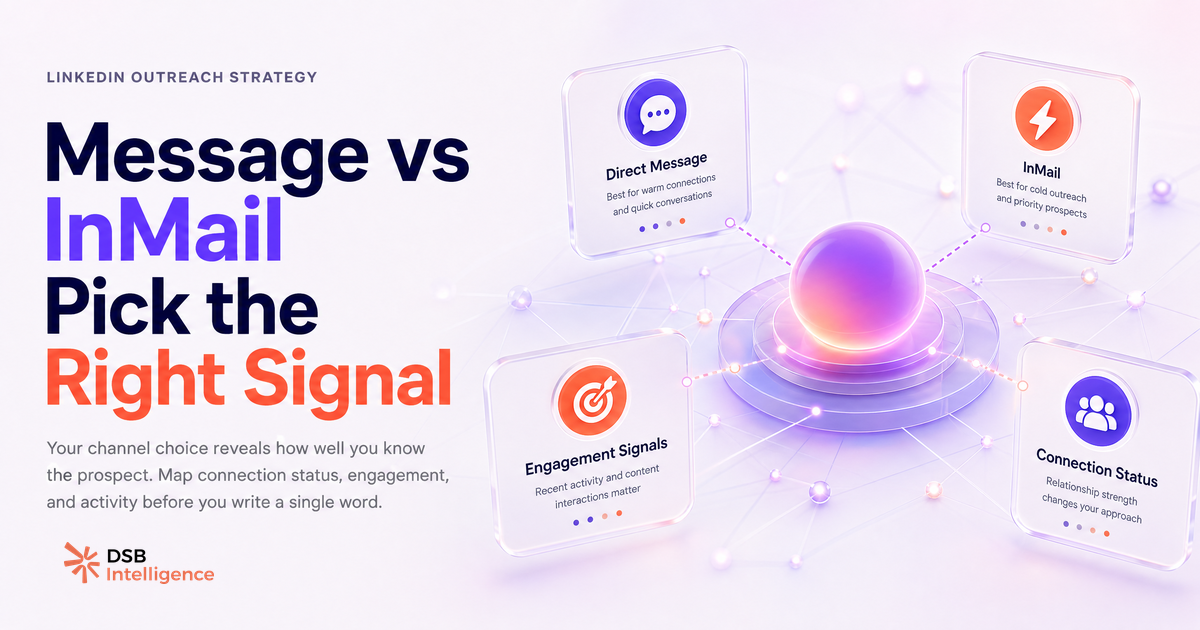
Most SDRs treat the InMail vs direct message decision as a logistics problem: do I have a credit? Is this person connected to me? They pick the available channel and write the message. That is the wrong order of operations.
The channel choice is a signal in itself. Picking the wrong one before you write a word tells the prospect something about how much you actually know about them.
Is the real difference between LinkedIn message and InMail about cost?
No. Cost is a downstream variable. The structural difference is network position.
A direct message requires a 1st-degree connection. If you are already connected, the message is free, lands in the primary inbox, and carries no cold-outreach stigma. The prospect already accepted your presence in their network at some point — that is a non-trivial prior.
An InMail bypasses the connection requirement entirely. You can reach a VP of Engineering at a Series B startup you have never interacted with, without asking permission first. That access has a price: a credit, and the perception that you are a stranger who paid to skip the queue.
The cost-per-InMail framing misses this. For a breakdown of how many credits each LinkedIn plan actually gives you, the guide on How Many InMail Credits Per Month on LinkedIn? is worth reading before you budget your outreach. But credits are not your real bottleneck — InMail Credits Are Not Your Bottleneck makes that case in detail.
The real bottleneck is relevance. And relevance is determined before you choose the channel.
Why do InMail reply rates disappoint most SDRs?
Because most InMails are sent to the wrong people at the wrong moment with the wrong framing.
The mechanics are simple: InMail opens a conversation with someone who did not ask for it. That is cold outreach by definition. Cold outreach works when the recipient immediately understands why they specifically are being contacted. It fails when the message could have been sent to any of 500 other people with the same job title.
The one variable that consistently changes the math is a visible, specific trigger. Not "I noticed you work in fintech" — that is a segment, not a signal. A real trigger looks like: the prospect published a post last week about a problem your product solves, or their company just announced a funding round that changes their buying context, or they appeared in a comment thread on a topic directly adjacent to your pitch.
When the trigger is specific and recent, the InMail reads as research. When it is absent, it reads as a mail merge.
LinkedIn's own credit-refund mechanic reinforces this. When a recipient marks an InMail as spam, the sender gets the credit back — which sounds like a benefit but is actually a quality signal LinkedIn is collecting on your account. Sending generic InMails at scale is not just inefficient; it is building a negative sender profile over time.
Should you trust InMail on LinkedIn given the spam perception problem?
InMail is a legitimate channel. The spam perception problem is real but manageable.
The issue is not the channel itself — it is the way most teams use it. Volume-based InMail sequences, where the same message goes to 200 people with light personalisation tokens, train recipients to treat InMails as noise. That trained response then penalises the SDR who sends a genuinely relevant, well-researched message to the same audience.
The practical implication: InMail works best as a precision instrument, not a broadcast tool. One well-timed InMail to a prospect who just changed roles, published a relevant post, or engaged with your company page outperforms ten generic ones sent to a filtered list.
Sender reputation on LinkedIn is not as explicitly surfaced as email deliverability scores, but the behavioural signals — spam flags, ignored messages, no-reply streaks — do accumulate. Treating InMail as a spray-and-pray channel is a slow way to degrade your account's standing.
How does the DSB Recommendations Engine flag which channel to open with?
The channel decision becomes easier when you are looking at engagement signals before you write.
The DSB Intelligence Recommendations Engine does exactly this: it surfaces which prospects in your pipeline have shown recent activity — profile views of your page, reactions to your posts, content shares in adjacent topics — and flags them as warm before you decide how to reach out. That signal layer is what separates a channel decision based on data from one based on guesswork.
The logic is straightforward. A prospect who viewed your profile twice in the last two weeks and liked a post from your CEO is not a cold InMail target. They are a connection request with a short, direct note. A prospect with no visible LinkedIn activity in four months is not an InMail target either — they are an email or a phone call.
What is the right decision tree for connection request, direct message, or InMail?
Map four variables before you pick a channel: connection status, recent engagement, profile activity level, and whether a connection request would feel presumptuous given the relationship gap.
Scenario 1: 1st-degree connection, recent engagement. Send a direct message. You have the channel, you have the context, you have the warmth. Use it. Keep the message short and reference the specific engagement.
Scenario 2: Not connected, but they engaged with your content or profile. Send a connection request with a personalised note that references the engagement. This costs nothing, and if accepted, opens the direct message channel. It is the highest-ROI first move in this scenario.
Scenario 3: Not connected, no engagement, but high profile activity (regular posts, recent job change, active in comments). This is a legitimate InMail target — but only with a specific trigger. Reference their recent activity. Do not open with your product. Open with their context.
Scenario 4: Not connected, no engagement, low profile activity. Do not send an InMail. The probability of a reply is low, and the credit cost is real. Consider whether LinkedIn is even the right channel for this prospect. An Email Finder from LinkedIn approach may give you a better opening.
The connection request is underused as a first move. Many SDRs skip it because it feels slower. It is not slower — it is a filter. Acceptance signals intent. Rejection tells you something too.
When does neither LinkedIn channel work?
When the prospect is not active on LinkedIn, neither InMail nor a direct message will land with any reliability.
LinkedIn activity is a prerequisite for LinkedIn outreach. A profile that has not posted, reacted, or been updated in months belongs to someone who is not spending time on the platform. Sending an InMail to that profile is not outreach — it is a message in a bottle.
The right move in this scenario is to exit the LinkedIn channel entirely. Email remains the highest-deliverability async channel for B2B outreach. If you are building a multi-channel sequence, LinkedIn works best as a warm-up layer — content engagement, profile views, a comment on a post — before the email lands. The sequence logic matters more than the channel choice in isolation.
For teams thinking about how content cadence fits into this warm-up strategy, LinkedIn Articles in 2026: Stop Abandoning Them Too Early covers how sustained content presence builds the ambient familiarity that makes outreach land better. And if you are coordinating that content across a team, LinkedIn Scheduling Tools Ranked for B2B Accounts is a practical starting point.
The channel is not the strategy. The signal is.
Now what?
- Before your next InMail batch, pull the engagement signals for each prospect: profile views, post reactions, content shares. Prioritise the ones with recent activity and write a message specific to that activity.
- For warm prospects (engaged with your content, viewed your profile), default to a connection request with a short personalised note before spending a credit.
- For prospects with no visible LinkedIn activity, remove them from your InMail queue and route them to email or a multi-channel sequence.
- Audit your last 30 InMails: what percentage had a specific, named trigger in the opening line? That ratio is your real reply-rate predictor.
Ready to stop guessing which channel to open with? Start a free trial of DSB Intelligence and let the Recommendations Engine surface the engagement signals before you write the first word.