

Les specs ne sont pas le goulot d'étranglement. La plupart des vidéos LinkedIn qui sous-performent sont correctement formatées — elles s'ouvrent simplement sur un visage qui fixe silencieusement la caméra pendant trois secondes. Cela dit, un mauvais ratio d'aspect tue la portée avant même que l'algorithme évalue ton contenu. Voici ce qu'il faut savoir avant de cliquer sur « publier ».
La spec qui compte vraiment n'est pas la résolution, c'est le ratio au premier rendu
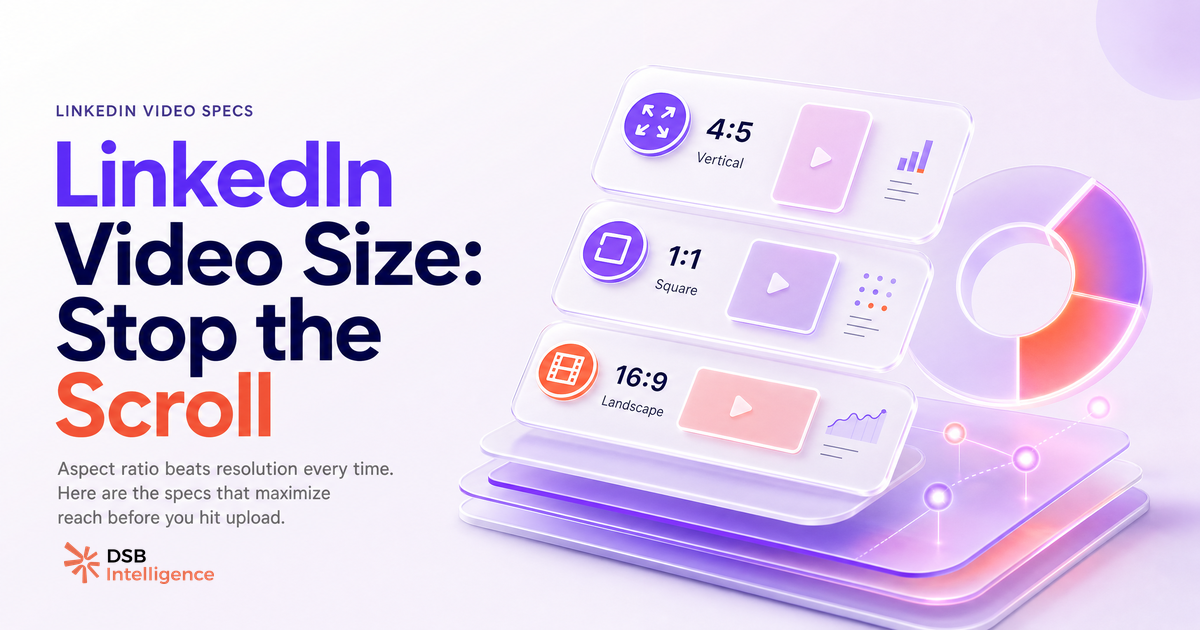
Le ratio d'aspect détermine la surface d'écran occupée par ta vidéo avant qu'un utilisateur tape pour agrandir. Sur mobile, qui représente la majorité de la consommation du feed LinkedIn, une vidéo 16:9 en paysage s'affiche avec des bandes noires au-dessus et en dessous. Une vidéo 1:1 carré ou 4:5 portrait occupe toute la largeur de la carte.
Plus de surface d'écran au premier rendu signifie plus de poids visuel dans le scroll. Le pouce ralentit. C'est le mécanisme.
La règle pratique : 1:1 pour les posts organiques qui doivent fonctionner sur mobile et desktop. 4:5 si ton audience est majoritairement mobile. 16:9 uniquement quand le contenu est cinématographique et que tu le diffuses en placement payant où le contexte de rendu est contrôlé.
La résolution joue sur la qualité perçue, pas sur la distribution. Le minimum accepté par LinkedIn est 360p ; 1080p est le standard pratique. Au-delà, le poids de fichier augmente sans bénéfice visible dans le feed.
Organique vs. paid : là où les règles de format divergent (et pourquoi les confondre coûte de la portée)
La vidéo organique et les vidéos publicitaires LinkedIn sont diffusées dans des environnements de rendu différents. Les traiter comme interchangeables est l'erreur de format la plus fréquente en stratégie vidéo B2B.
Pour les posts organiques, les ratios acceptés sont 1:1 et 4:5 (portrait). Le poids peut aller jusqu'à 5 Go, mais les fichiers au-dessus de 1 Go introduisent des délais de traitement qui peuvent affecter la vitesse d'entrée en distribution. La durée est flexible, de quelques secondes à dix minutes, mais l'attention chute nettement passé les deux premières minutes sur la plupart des sujets B2B.
Pour les placements linkedin ad video, les règles se resserrent :
- Ratios acceptés : 1:1, 16:9, 4:5
- Poids maximum : 200 Mo
- Durée : 3 secondes minimum, 30 minutes maximum
- Résolution recommandée : 1080p
- Requis : sous-titres ou légendes (la grande majorité des vidéos du feed sont regardées sans le son — c'est le comportement par défaut dans la plupart des contextes professionnels)
La limite de 200 Mo sur les ads prend les équipes par surprise quand elles tentent de réutiliser une vidéo organique à haut débit. Compresse avant l'upload, pas après le rejet.
Pour une analyse approfondie de la façon dont la vidéo organique et payante génèrent des résultats pipeline différents, voir LinkedIn Video Ads vs Organique : ce qui génère du pipeline.
Comment l'Insight Narrator de DSB Intelligence détecte les chutes de performance liées au format
Les erreurs de format sont faciles à repérer après coup : une miniature recadrée, une vidéo qui bloque au traitement, une pub rejetée à l'upload. Ce qui est plus difficile à détecter, c'est la perte lente : une vidéo techniquement valide qui perd son audience dans les trois premières secondes parce que le ratio a compressé le hook visuel.
L'Insight Narrator de DSB Intelligence lit la courbe d'engagement de tes posts vidéo et signale là où le schéma se brise. Quand une vidéo a un volume d'impressions élevé mais de faibles signaux de watch time, il fait remonter cet écart avec une lecture en langage clair : le format attire peut-être le clic, mais quelque chose dans les premières secondes perd le spectateur. Cette distinction — entre un problème de portée et un problème de rétention — change entièrement le correctif à apporter.
La checklist linkedin video size en 4 étapes avant chaque upload
Lance ces quatre vérifications avant chaque upload. Elles prennent moins de deux minutes et préviennent les échecs de distribution les plus fréquents.
- Ratio d'aspect confirmé. 1:1 ou 4:5 pour l'organique. 1:1, 16:9 ou 4:5 pour les ads. Vérifie dans ton outil de montage avant l'export, pas après.
- Poids de fichier dans les limites. Sous 1 Go pour l'organique (traitement plus rapide). Sous 200 Mo pour les ads (limite dure). Utilise HandBrake ou un outil comparable pour compresser sans perte de qualité visible.
- Sous-titres intégrés ou uploadés. Les sous-titres automatiques de LinkedIn manquent souvent de précision sur le vocabulaire B2B technique — vérifie avant de publier. Upload un fichier SRT ou incruste les sous-titres dans la vidéo. La lecture automatique silencieuse est le mode par défaut — les sous-titres ne sont pas optionnels.
- Miniature de première frame vérifiée. LinkedIn sélectionne automatiquement une miniature depuis la première frame. Si cette frame est un écran noir, un artefact de chargement ou un visage non cadré, définis une miniature personnalisée. La miniature est le premier signal visuel dans le feed avant que l'autoplay se déclenche.
Pour le workflow d'upload complet et les mécaniques de portée, voir How to Upload a Video to LinkedIn (And Make It Reach) et Poster une vidéo LinkedIn : ce qui détermine sa portée.
Quand des specs parfaites ne sauvent pas une vidéo : ce que LinkedIn pèse au-delà des dimensions
Une vidéo qui passe toutes les vérifications de specs peut quand même faire un flop. La raison est presque toujours la même : les deux à trois premières secondes ne donnent pas au spectateur une raison de rester.
Il est probable que LinkedIn pondère le watch time et le taux de complétion plus fortement que les réactions et commentaires pour le contenu vidéo. Une vidéo regardée jusqu'au bout par une audience restreinte surpasse souvent une vidéo plus vue mais abandonnée à mi-chemin.
Le correctif n'est pas technique. C'est éditorial : ouvre sur un problème concret, une tension, un chiffre inattendu. Les trois premières secondes doivent répondre à la question silencieuse de l'utilisateur : « pourquoi je reste ? ».
Pour approfondir la stratégie de contenu vidéo B2B et les signaux de portée, consulte Download LinkedIn Video : ce que ça révèle sur ta stratégie B2B et Showcase Pages LinkedIn : le système d'équipe B2B.
Et maintenant ?
- Audite tes trois dernières vidéos LinkedIn. Vérifie le ratio d'aspect, le poids de fichier et la présence de sous-titres. Identifie laquelle a le meilleur ratio impressions/watch time.
- Standardise ton export. Crée un preset dans ton outil de montage : 1:1 ou 4:5, 1080p, sous 1 Go. Applique-le par défaut à chaque nouvelle vidéo organique.
- Sépare tes assets organiques et ads. Garde deux versions de chaque vidéo : une version organique non compressée et une version ads sous 200 Mo.
- Mesure la rétention, pas seulement les impressions. Les specs garantissent l'entrée en distribution — c'est le contenu des premières secondes qui détermine la suite.
Teste DSB Intelligence pour suivre la performance de tes vidéos LinkedIn et détecter les écarts entre portée et rétention : essai gratuit.