

The best-performing LinkedIn automation tool review on Google right now doesn't mention LinkedIn's User Agreement once. That's not an oversight. It's a business model.
Why do most LinkedIn automation tools optimize for volume when LinkedIn's systems optimize against it?
LinkedIn's detection infrastructure has one job: identify non-human behavior and suppress or restrict the account producing it. Every linkedin automation tool on the market is, by definition, trying to look human to a system built to catch things that aren't.
This isn't a fringe concern. LinkedIn's User Agreement explicitly prohibits "scraping," "automated connection requests," and any use of "bots or other automated methods" to access the platform. The clause has been there for years. What changed after 2024 is enforcement: behavioral pattern detection became more granular, and the threshold for triggering a review dropped.
The volume logic that most tools sell — "send 200 connection requests a week, book 10 meetings" — runs directly into this. LinkedIn's systems don't just count requests. They look at session timing, message cadence, the ratio of actions to organic dwell on the platform, and behavioral signatures that deviate from normal human usage. A tool that fires 50 connection requests in 20 minutes at 2am local time is not subtle.
The fundamental tension is this: automation tools are optimized to maximize throughput. LinkedIn's systems are optimized to minimize it for accounts that look like they're gaming the platform. These two objectives are in direct conflict, and the tool vendor doesn't absorb the downside when your account gets restricted. You do.
What are the three categories of LinkedIn automation risk, and where do most tools land?
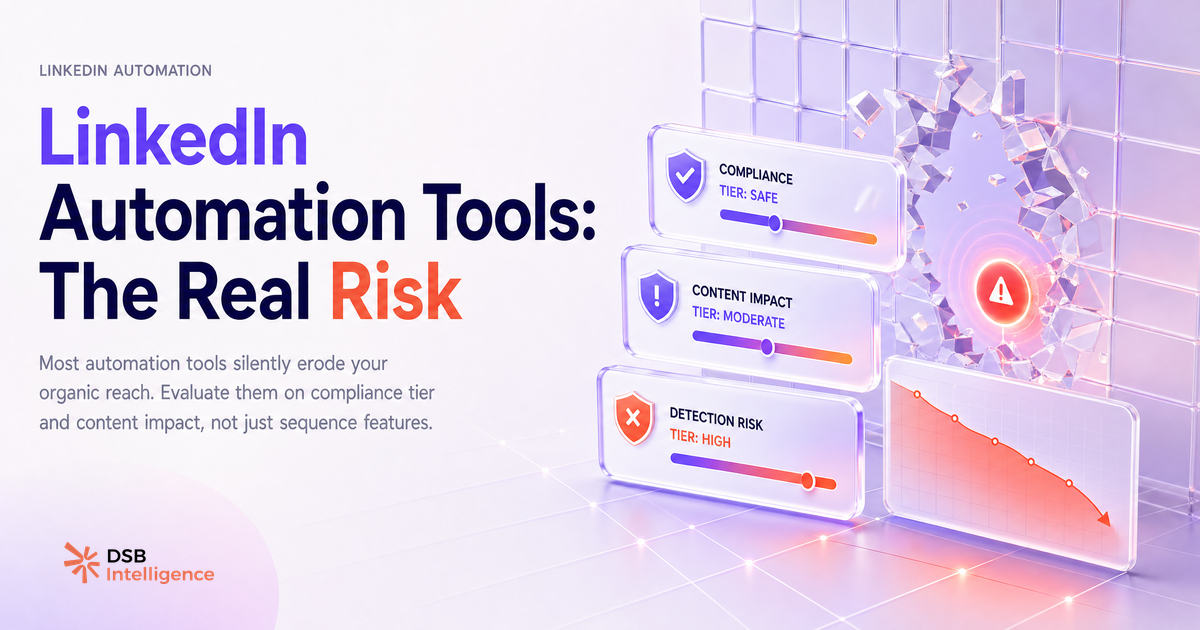
Not all automation carries equal risk. The risk profile breaks down into three tiers based on how the tool accesses LinkedIn's infrastructure.
Browser-extension tools run inside your active browser session. They simulate clicks, keystrokes, and navigation within the LinkedIn interface. LinkedIn can observe this layer directly — the behavioral fingerprint of a browser extension automating actions is detectable through timing analysis and interaction patterns. Tools in this category carry the highest restriction risk. They're also the most commonly reviewed on affiliate-driven comparison sites because they're easy to demo and have generous referral programs.
Cloud-based tools run on remote servers and rotate IP addresses to mimic human sessions. They're harder to detect than browser extensions, but they still violate LinkedIn's terms when they automate prohibited actions. The risk here is medium, not low. LinkedIn has escalated enforcement against cloud-based linkedin outreach automation providers specifically since 2023, and several well-known tools in this space have had to rebuild their connection-request logic after waves of user account restrictions.
API-compliant analytics tools access only the data LinkedIn makes available through its official Marketing API or through user-authorized exports. They don't automate actions on your behalf. They read, analyze, and surface insights. This category carries the lowest compliance risk because it operates within LinkedIn's documented permissions framework.
The problem is that most SERP-ranked "best linkedin automation tool" roundups treat all three categories as interchangeable. They're not. Conflating a cloud-based sequence tool with an analytics platform is like comparing a car with a map: both are useful for a road trip, but only one of them drives.
What do the best-ranked tools in this space not disclose about account restrictions?
The disclosure gap is structural. A tool vendor's incentive is to show you the upside: meetings booked, sequences sent, reply rates. The downside — account warnings, reach suppression, permanent restrictions — appears nowhere in their onboarding flow.
Here's what the marketing doesn't say: LinkedIn restrictions rarely arrive as a single, visible ban. They start as reach decay. Your posts stop distributing as widely. Your connection requests get silently throttled. Your profile views drop. None of this triggers a notification. You just slowly become less visible on the platform, and if you're not measuring your organic content performance in parallel with your automation activity, you won't notice until the damage has compounded.
This is the measurement gap that most linkedin lead generation tool users fall into. They track sequences sent and replies received. They don't track what happens to their organic post reach in the 30 days after deploying an automation layer. Those two metrics are not independent.
A tool that drives 50 new connections per week but suppresses your organic content reach by a meaningful margin is a net negative for pipeline, even if the sequence stats look good. The connections you automate are worth less if the content they see from you is being quietly deprioritized.
The DSB Intelligence Recommendations Engine flags this type of engagement decay early: it surfaces the pattern of declining reach relative to your posting cadence, so you can investigate the cause before it compounds into a harder-to-reverse account health problem.
How should you evaluate a LinkedIn automation tool? The four questions that actually matter.
Most evaluation frameworks for a linkedin automation tool focus on features: does it support multi-step sequences, does it have A/B testing, what's the pricing per seat. These are secondary questions. The four primary questions are about risk, not features.
1. What data does the tool access? Does it read your messages, your connection list, your profile data? Does it store that data on its own servers? Under GDPR, any tool that processes personal data of EU-based LinkedIn users on your behalf is a data processor. If the tool doesn't have a clear Data Processing Agreement and EU data residency option, you have a compliance exposure that has nothing to do with LinkedIn's terms and everything to do with your own legal obligations.
2. Where does it run? Browser extension, cloud server, or API-compliant? The answer determines your baseline restriction risk. If the vendor can't answer this question clearly in their documentation, that's a signal.
3. What is the measurable impact on your organic content reach? This question will confuse most vendors, because they don't track it. That's the point. If you can't measure the effect of the tool on your LinkedIn content performance, you're flying blind on the most important downstream variable.
4. What is the exit cost if LinkedIn changes enforcement? LinkedIn has changed its automation enforcement posture multiple times. The tools that survived those changes were the ones operating closer to the API-compliant end of the spectrum. If your entire outbound motion depends on a browser-extension tool that LinkedIn could effectively break with a single detection update, your pipeline has a single point of failure.
These questions apply whether you're evaluating a linkedin sequence tool, a cloud-based linkedin automation platform, or anything in between. They're also the questions that most comparison sites never ask, because asking them would disqualify half the products in their affiliate stack.
For more on how LinkedIn's own signals shape what gets seen, LinkedIn Hashtags in 2026: Do They Still Work? and LinkedIn Video Aspect Ratio in 2026: What Gets Watched both cover the organic distribution mechanics that automation activity can disrupt. And if you're thinking about the privacy angle of who sees your profile activity while running outreach, How to Turn Off Profile Views on LinkedIn is worth reading alongside this.
When is automation the wrong answer entirely?
Automation solves a volume problem. If you don't have a volume problem, automation introduces risk without solving anything.
The clearest case for skipping a linkedin automation tool entirely: your ICP is small. If you're targeting 200 named accounts in a specific vertical, you don't need sequences. You need research, relevance, and timing. A personalized note to a VP of Engineering at a company you've been tracking for three weeks will outperform the 47th automated touchpoint in a sequence they've already mentally filtered out.
The linkedin automation vs analytics distinction matters here. Analytics tools help you understand what's working in your organic presence and where your content is gaining or losing ground. That intelligence makes your manual outreach sharper. Automation tools replace the manual work with volume. For small ICPs, replacing judgment with volume is a downgrade.
There's also a compounding effect worth naming: the more automation-driven outreach floods LinkedIn inboxes, the more recipients tune it out. The signal-to-noise ratio for automated messages has deteriorated. High-context, clearly human messages stand out more now precisely because the baseline is so noisy. That's an argument for restraint, not for finding a better automation tool.
For teams producing content as part of their outreach strategy, Can You Post Video on LinkedIn? Yes, But Format Is Everything and LinkedIn Video Ad Specs as a Creative Brief cover the format decisions that affect whether your content actually reaches the people your outreach is targeting.
Now what?
- Audit the tool you're currently using against the four questions above. If you can't answer question 2 (where does it run) or question 3 (impact on organic reach), you're missing the inputs you need to make a defensible risk assessment.
- Pull your organic post reach data for the 60 days before and after you deployed any automation layer. If reach dropped and you didn't notice, you now have a hypothesis worth investigating.
- If your ICP is under 300 accounts, run a 30-day manual outreach test in parallel with your automated sequences. Compare reply quality, not just reply rate. The data will tell you whether automation is actually adding value at your scale.
- For any tool that accesses personal data of EU-based users, request the vendor's Data Processing Agreement before your next renewal. If they don't have one, that's your answer.
Ready to track what automation is actually doing to your LinkedIn content performance? Start a free trial of DSB Intelligence and connect your account in under two minutes.